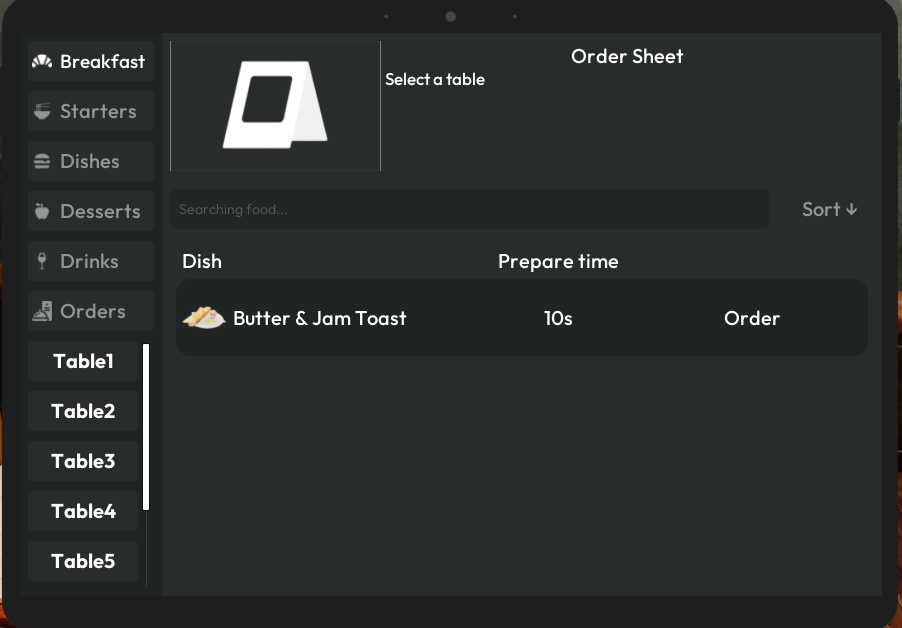
If you do not want to prepare breakfast items yourself every day, you can have your chefs prepare them for you. This lets you order them from your tablet just like any other dish on your menu.
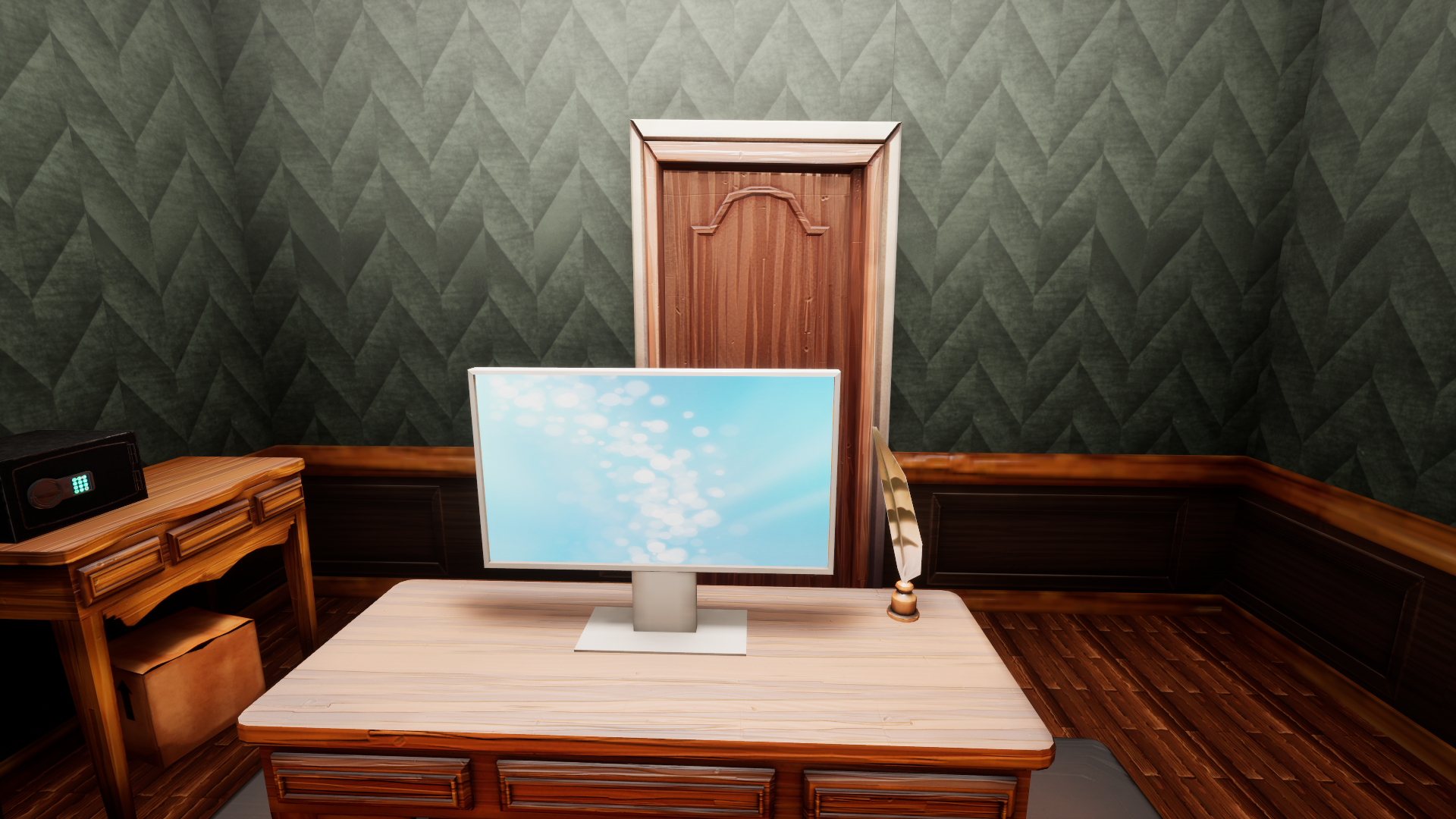
Go to your office
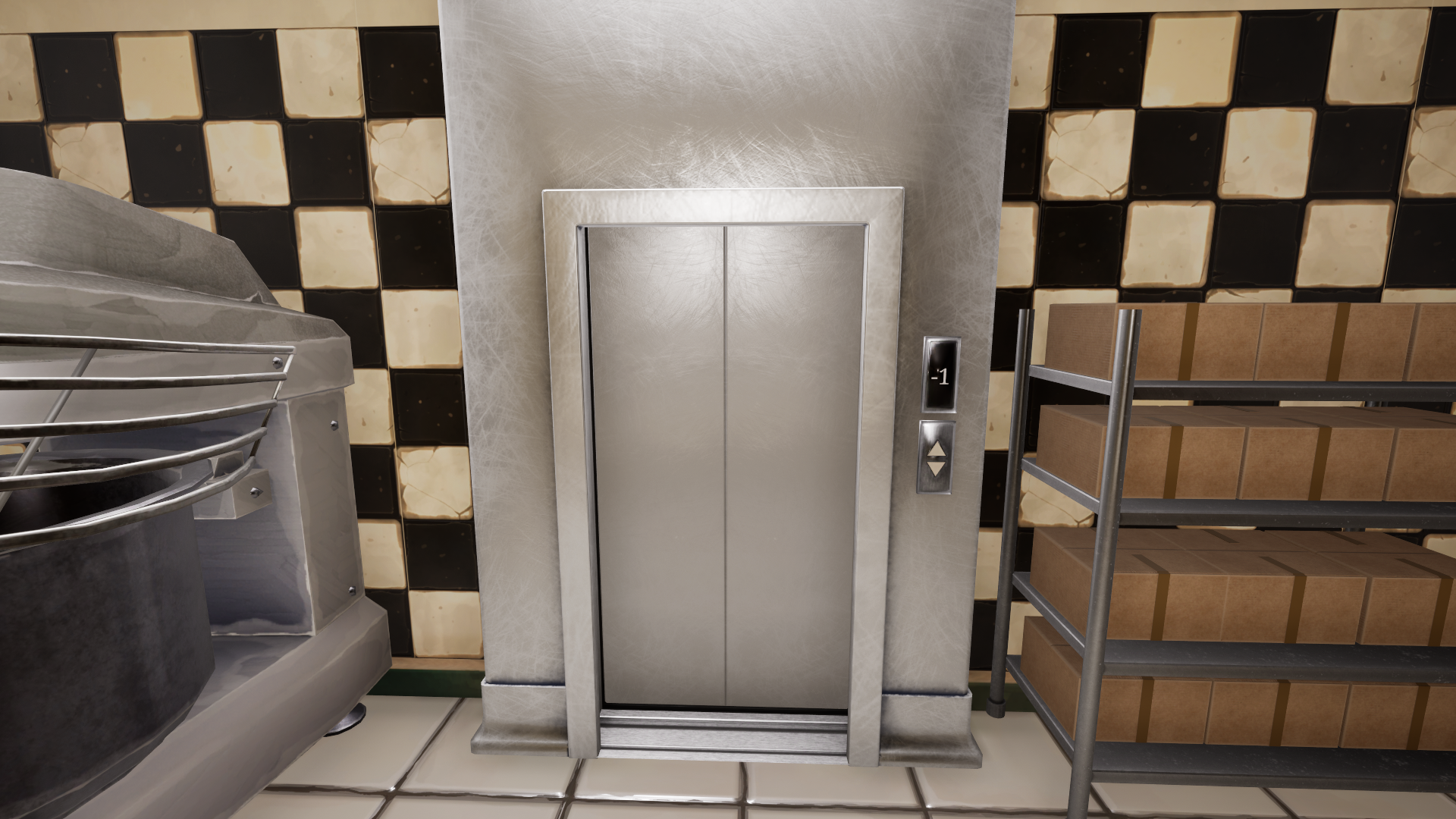
- Go to your kitchen, then left-click the private elevator on your right. It takes you directly to your office.
Automate the bakery
- Click your PC.
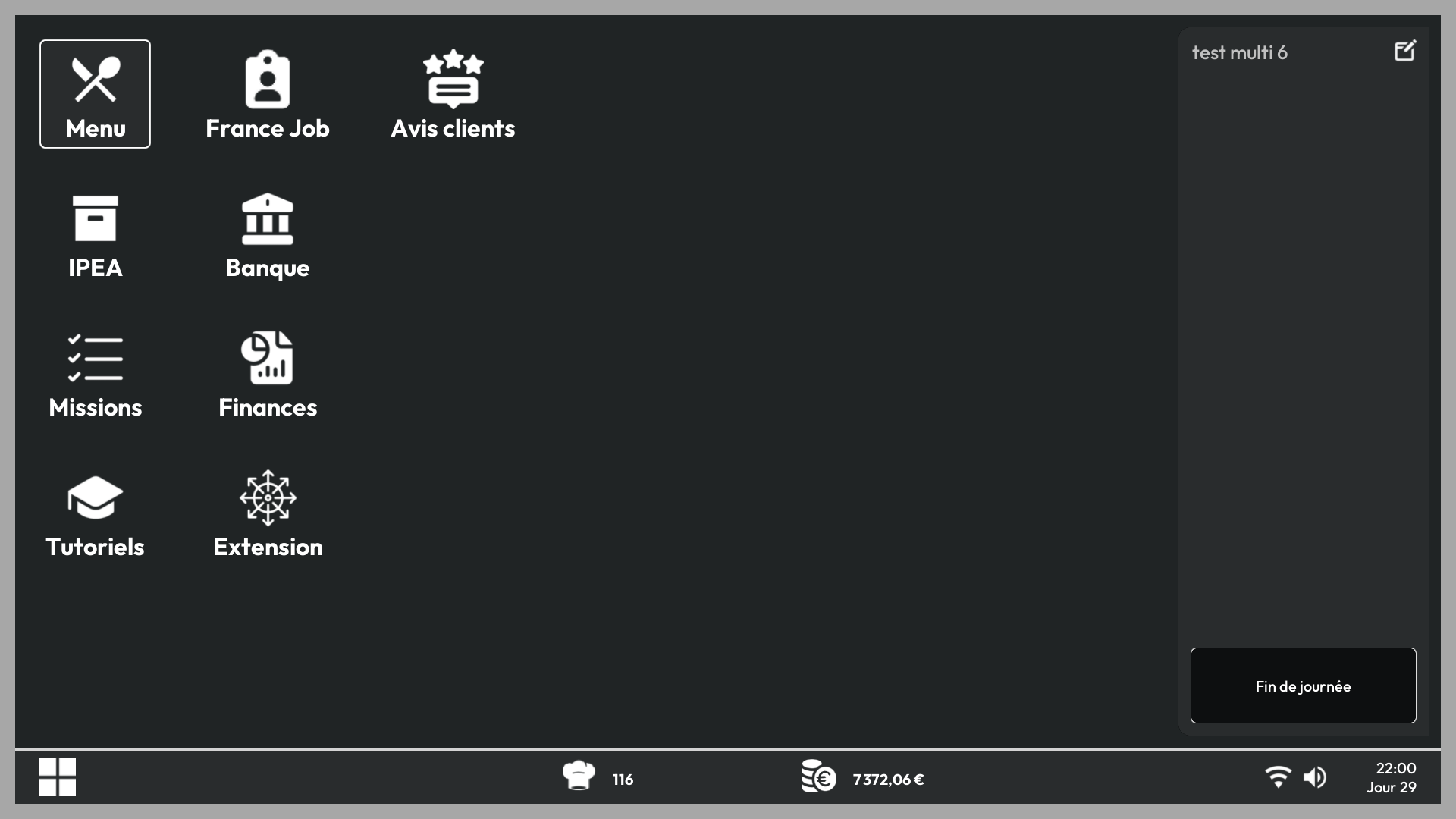
- Click the Menu app.
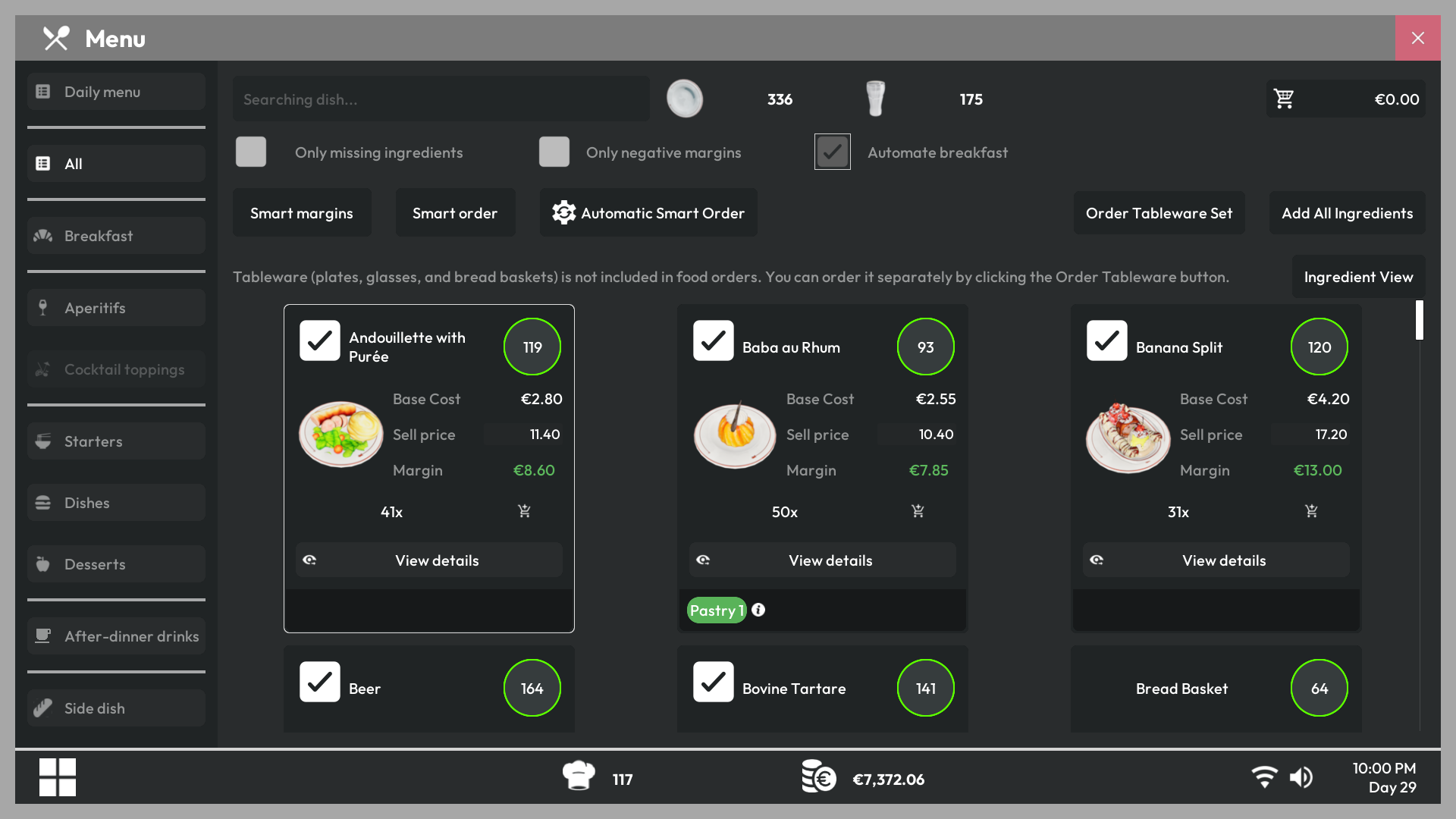
- Enable the Auto Breakfast option above the Automatic Order button in the top-right corner of the screen.
- You can now order breakfasts from your tablet like any other dish on the menu. The default keyboard shortcut is Tab.