As with any business, you will need supplies to furnish and decorate your restaurant.
Place a supply order
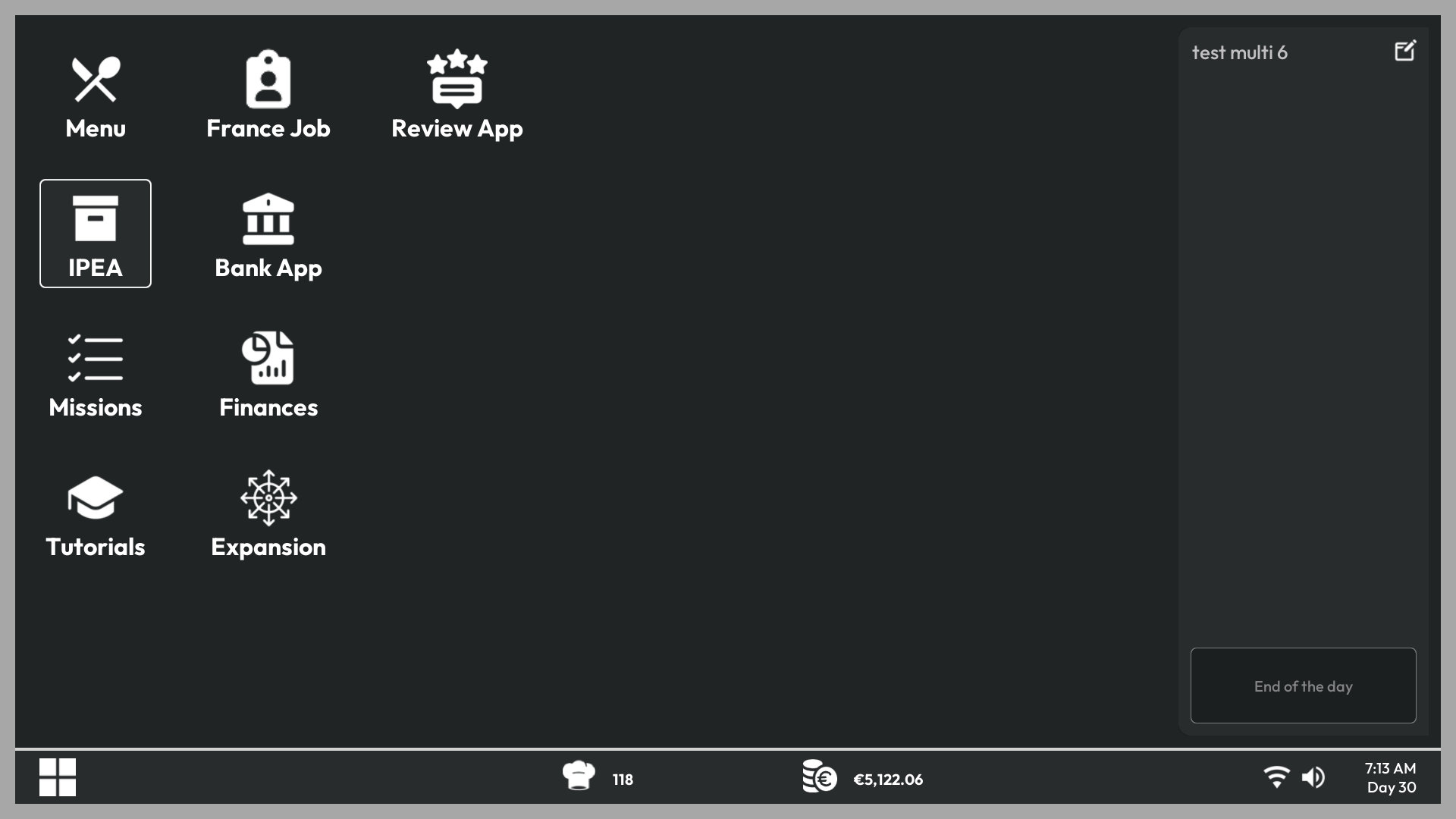
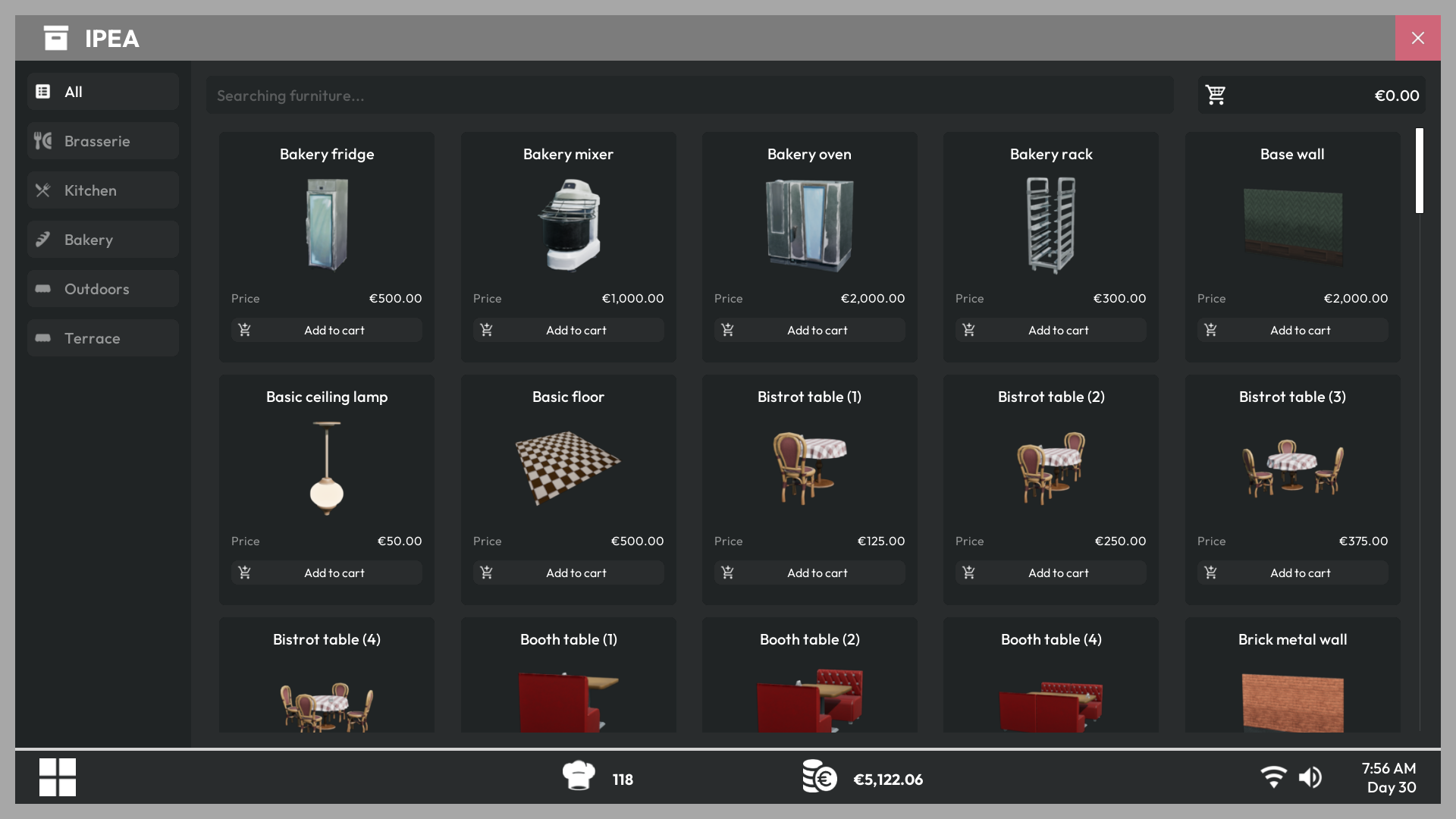
Go to your PC and open the IPEA app. Your wholesaler's interface will open. Here you can find everything you need to furnish your restaurant and kitchen.
Unlock locked items
At the beginning of your adventure, several items are locked. You can unlock them as you progress by spending Chef Hats in the Expansion app on your PC. To learn more about the Chef Hat and Expansion system, read Progression System
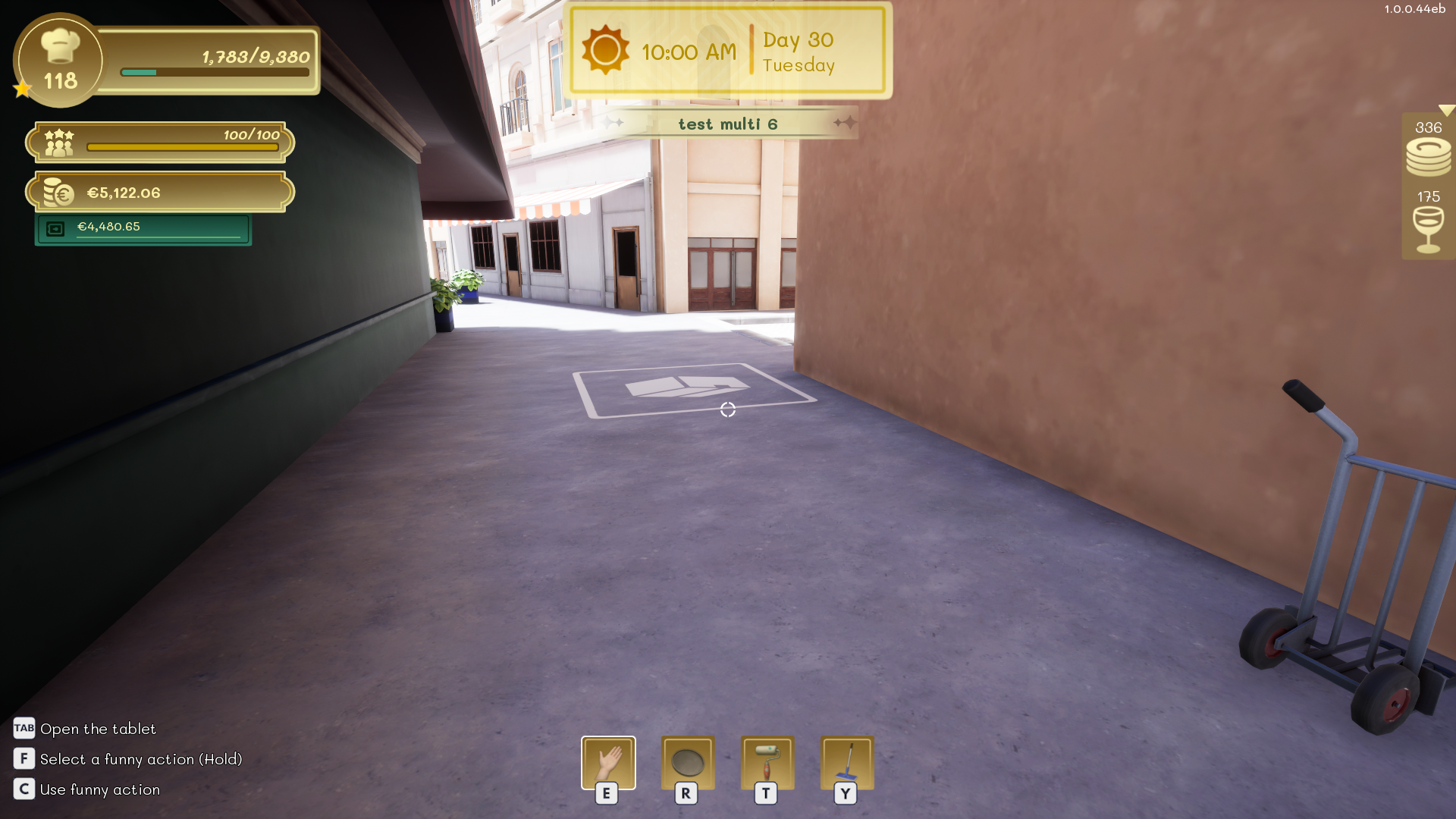
The delivery area
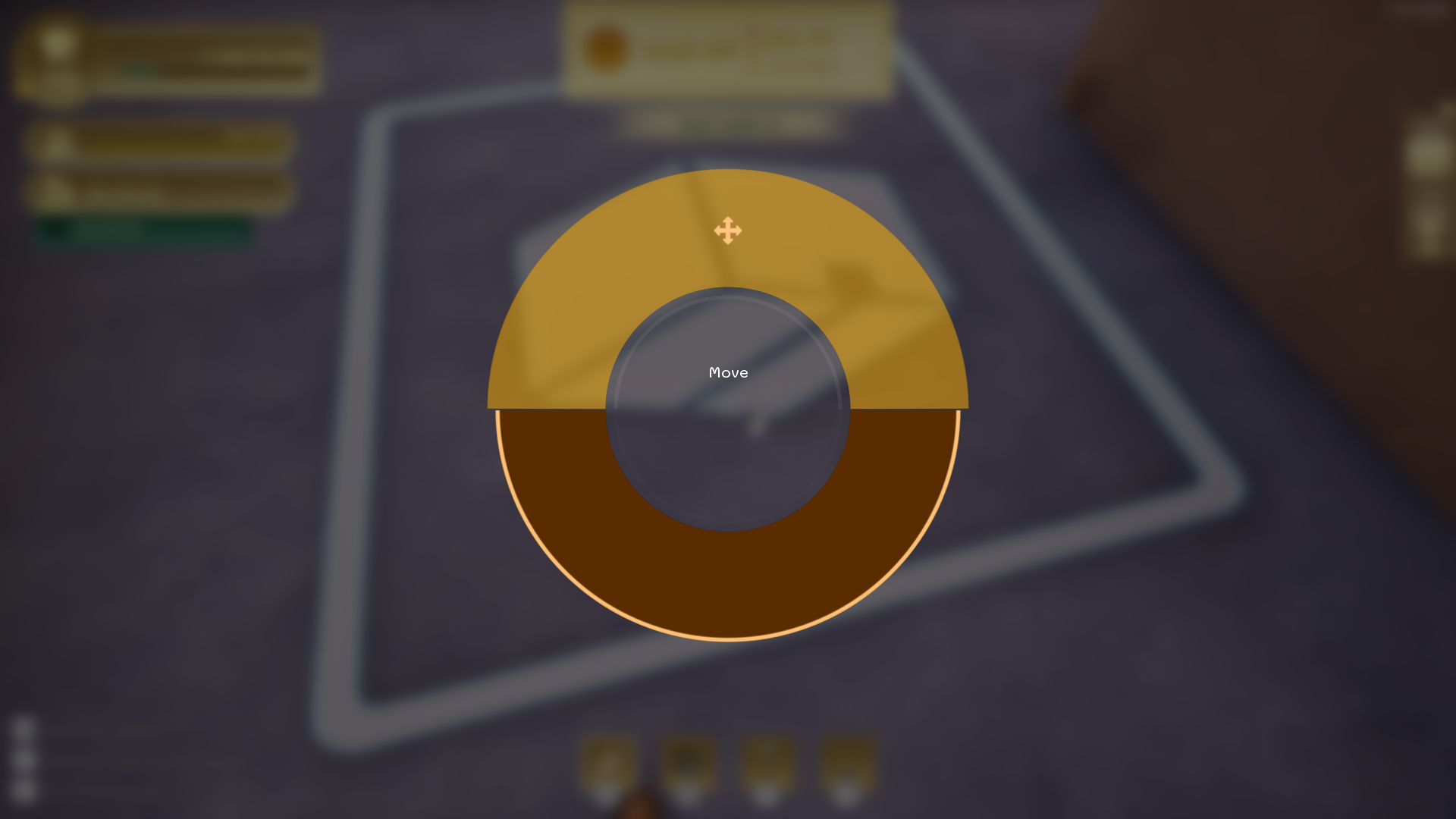
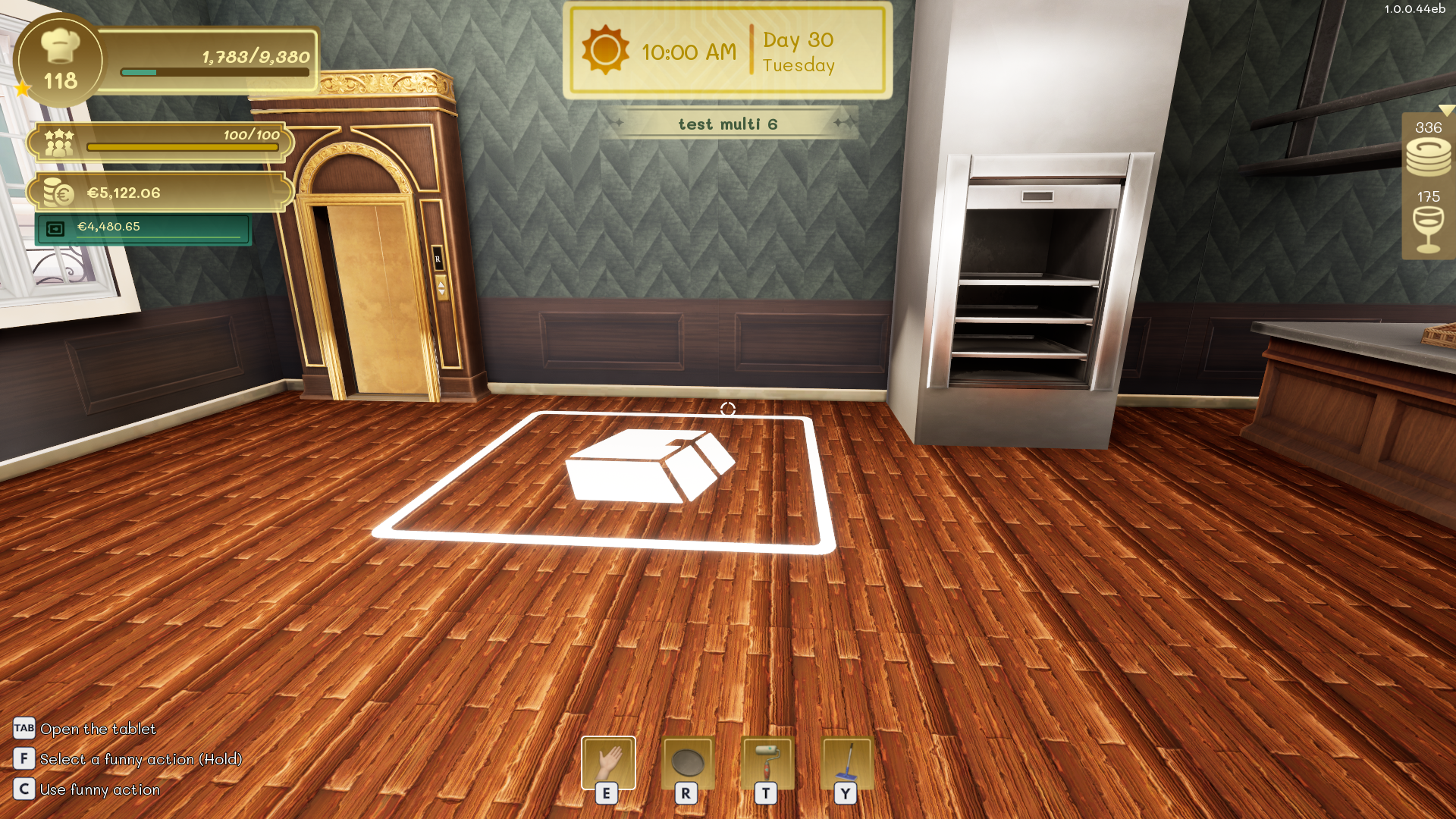
By default, the delivery area is behind your restaurant near the kitchen exit, but it can be moved to suit your needs. For example, you can move it to the first floor to furnish that area faster and avoid long return trips. Go to the delivery area and aim at it with your cursor. Then hold the left mouse button to open the interaction wheel and select Move.