
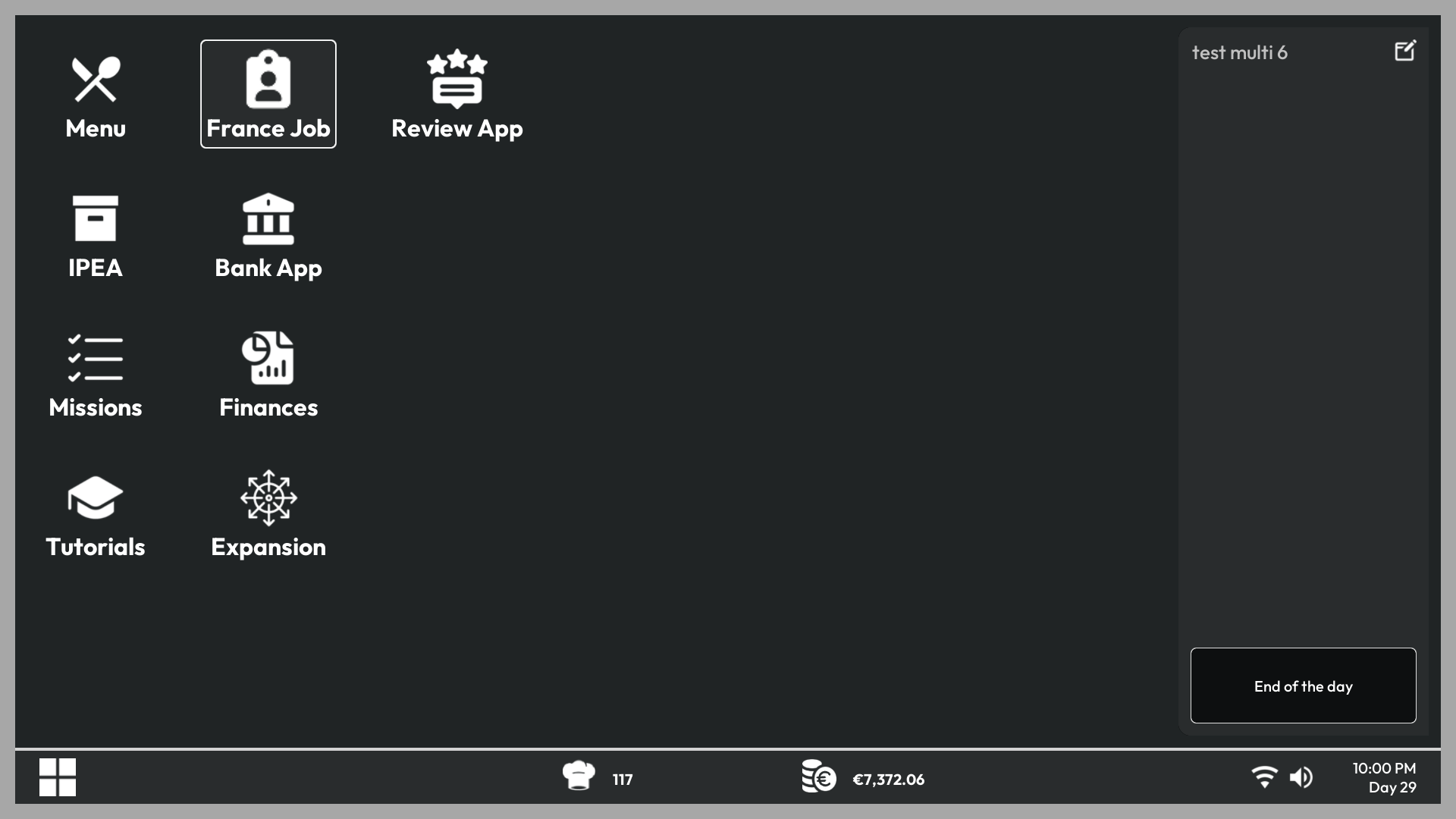
Use Employees app on your office PC to recruit staff and organize their work.
Recruit an employee
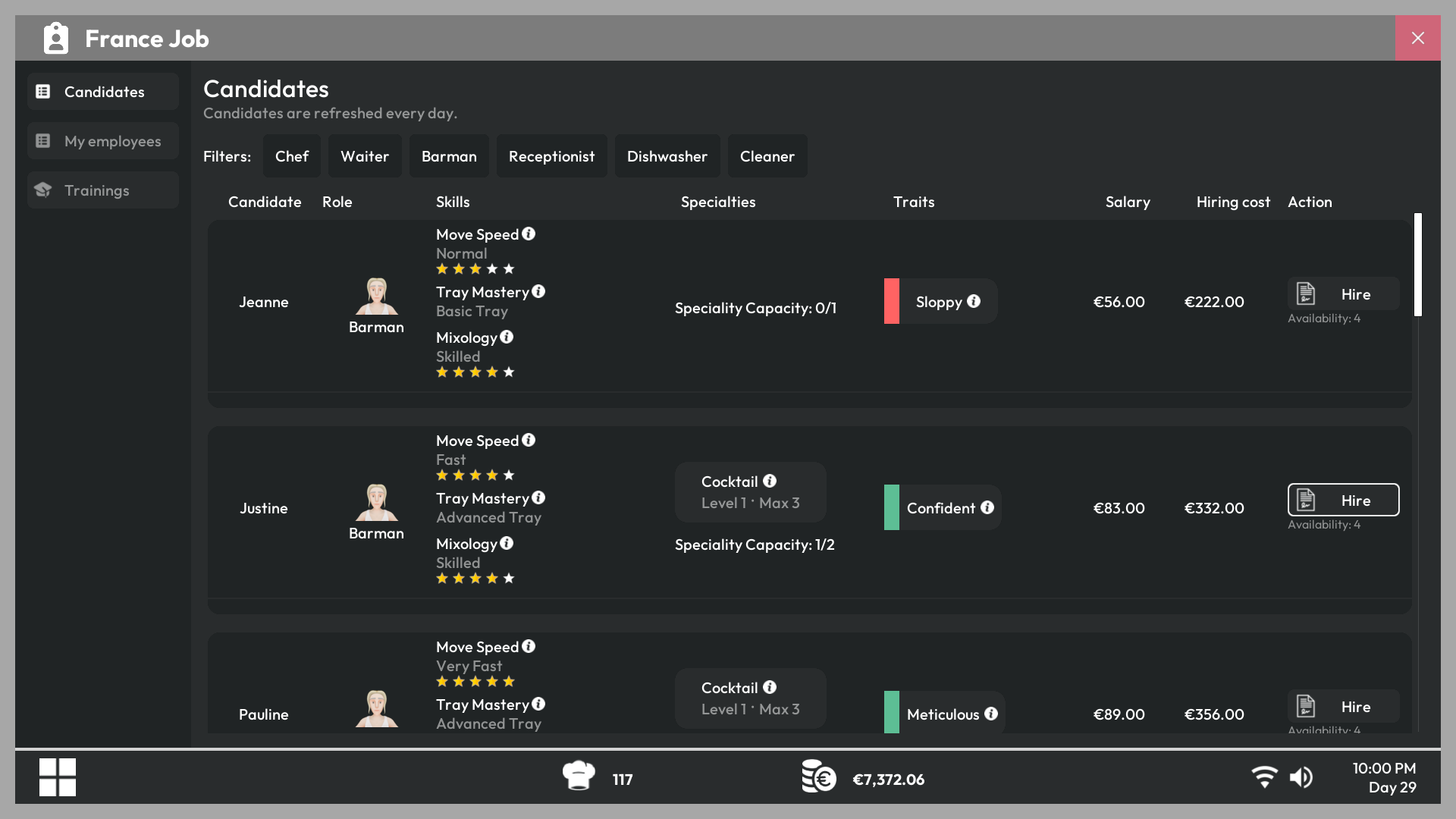
New candidates are available every day. Open a candidate profile to compare their role, salary, skills, specialties, and traits before hiring them.
- Skills affect how efficiently an employee performs their work.
- Specialties determine which dishes or jobs they can handle effectively.
- Positive and negative traits modify their behavior or performance.
- Salary is part of your recurring expenses and must be paid on time.
Assign floors and tasks
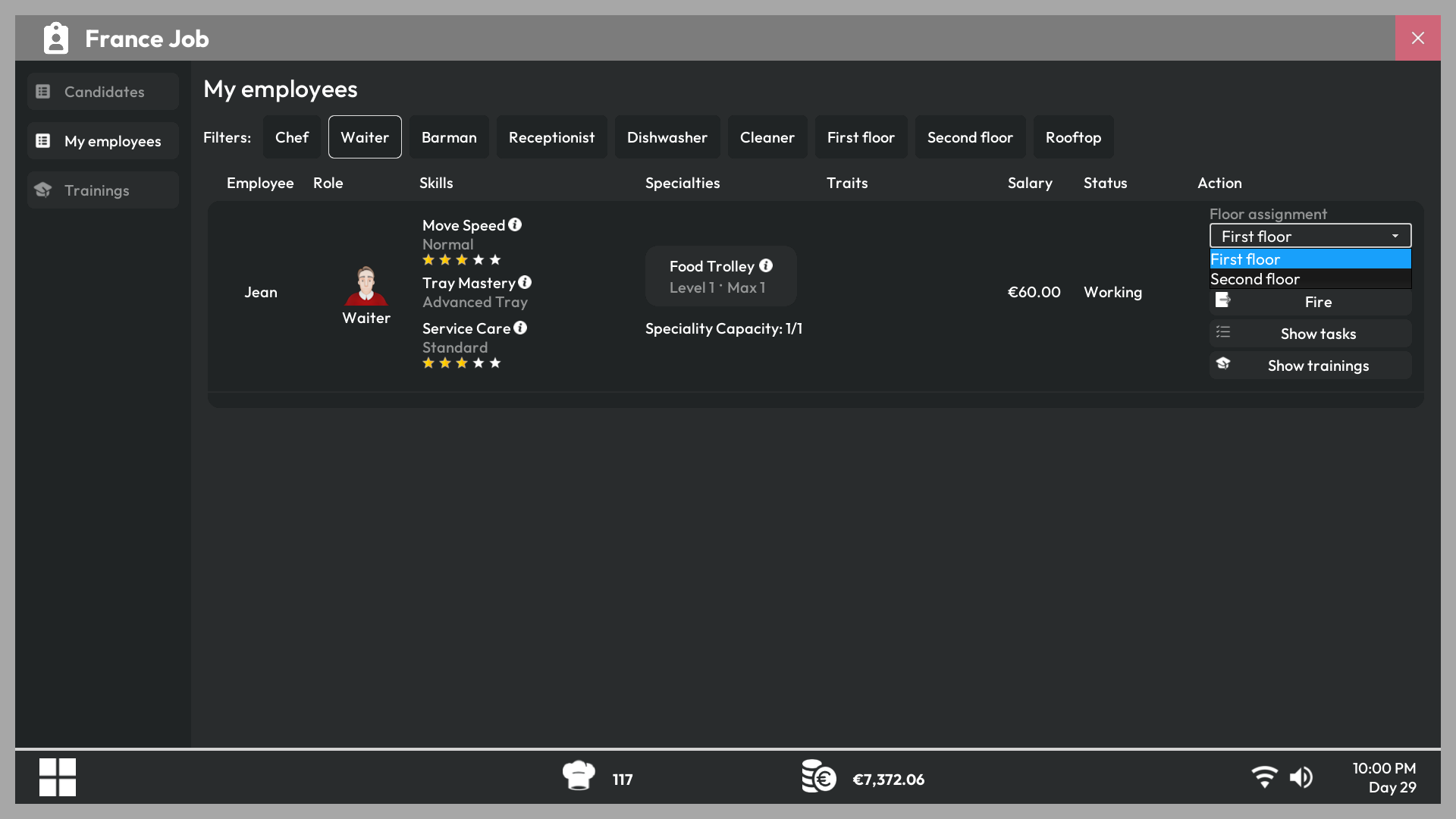
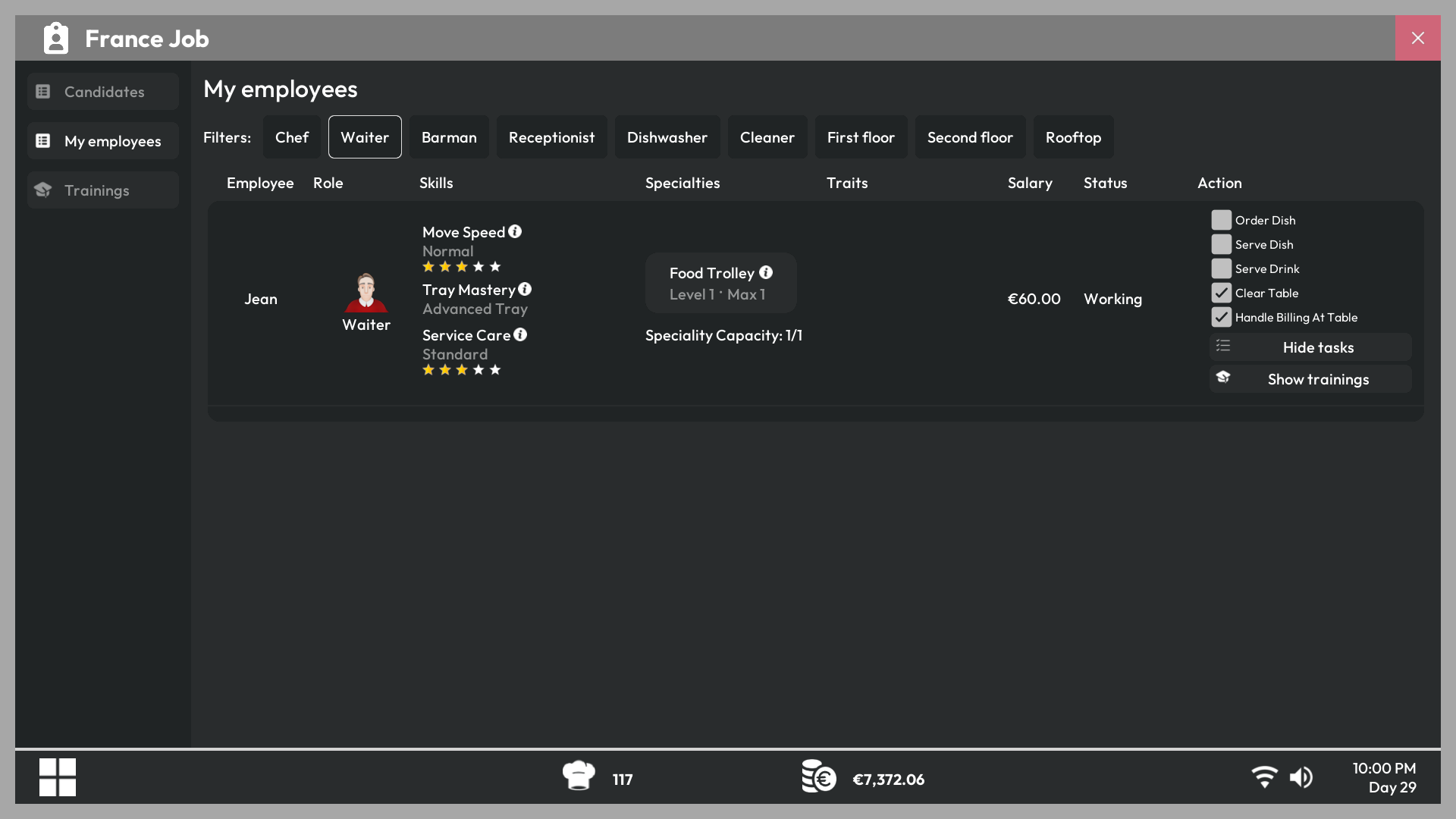
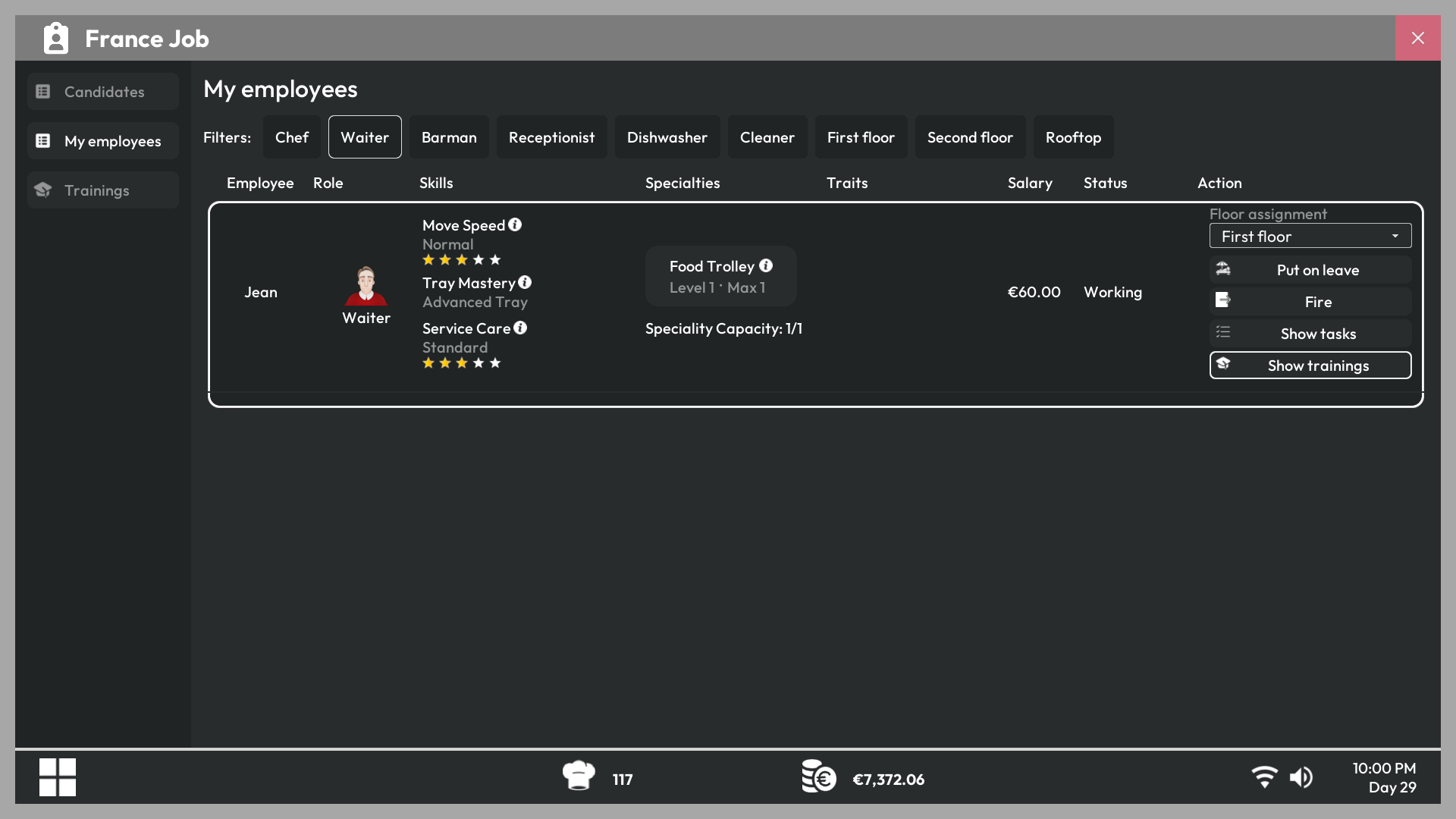
Select a hired employee to choose which floors they may use and which tasks they are allowed to perform. Disable a task when you want the player or another employee to handle it instead.
Train your staff
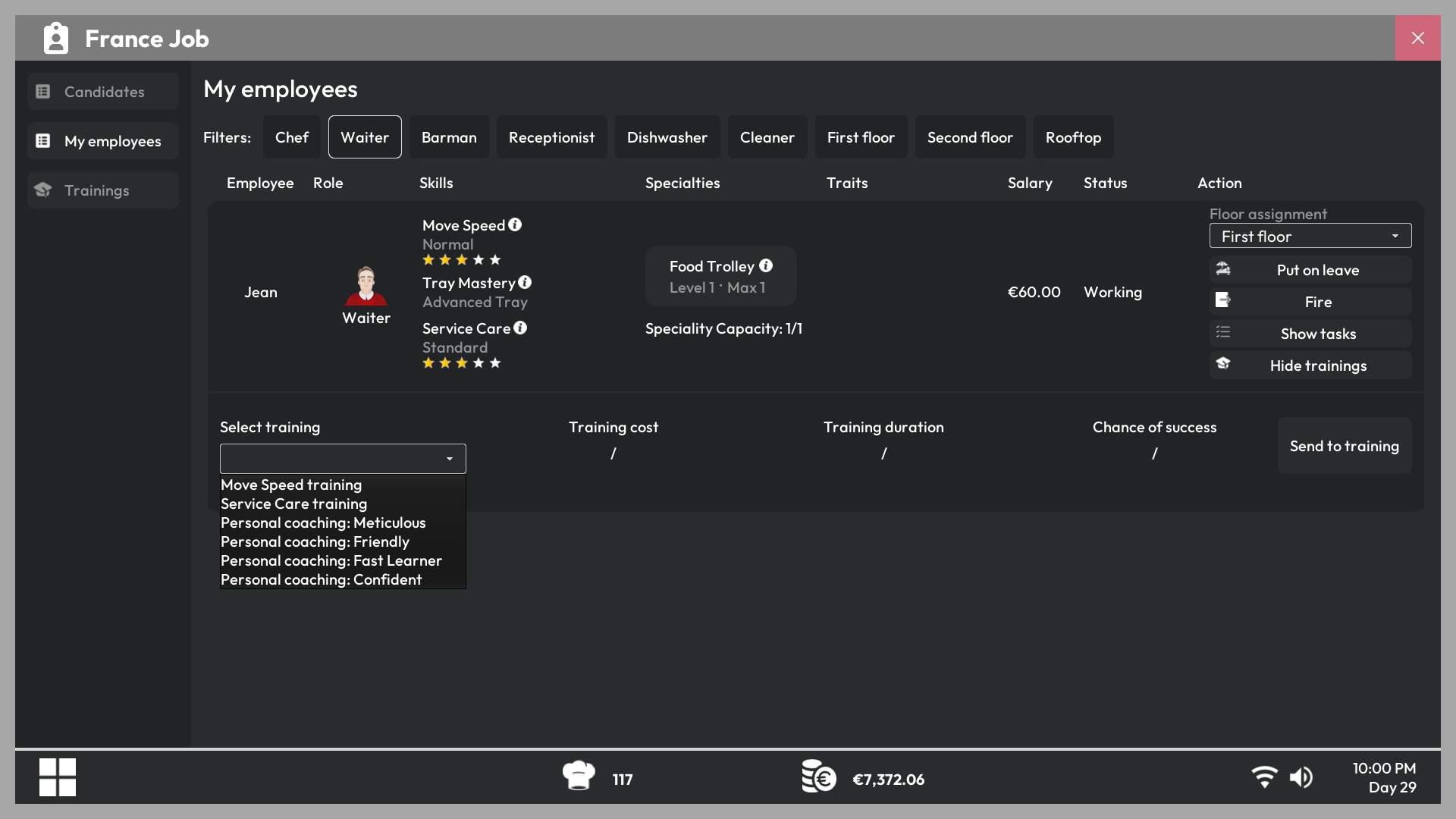
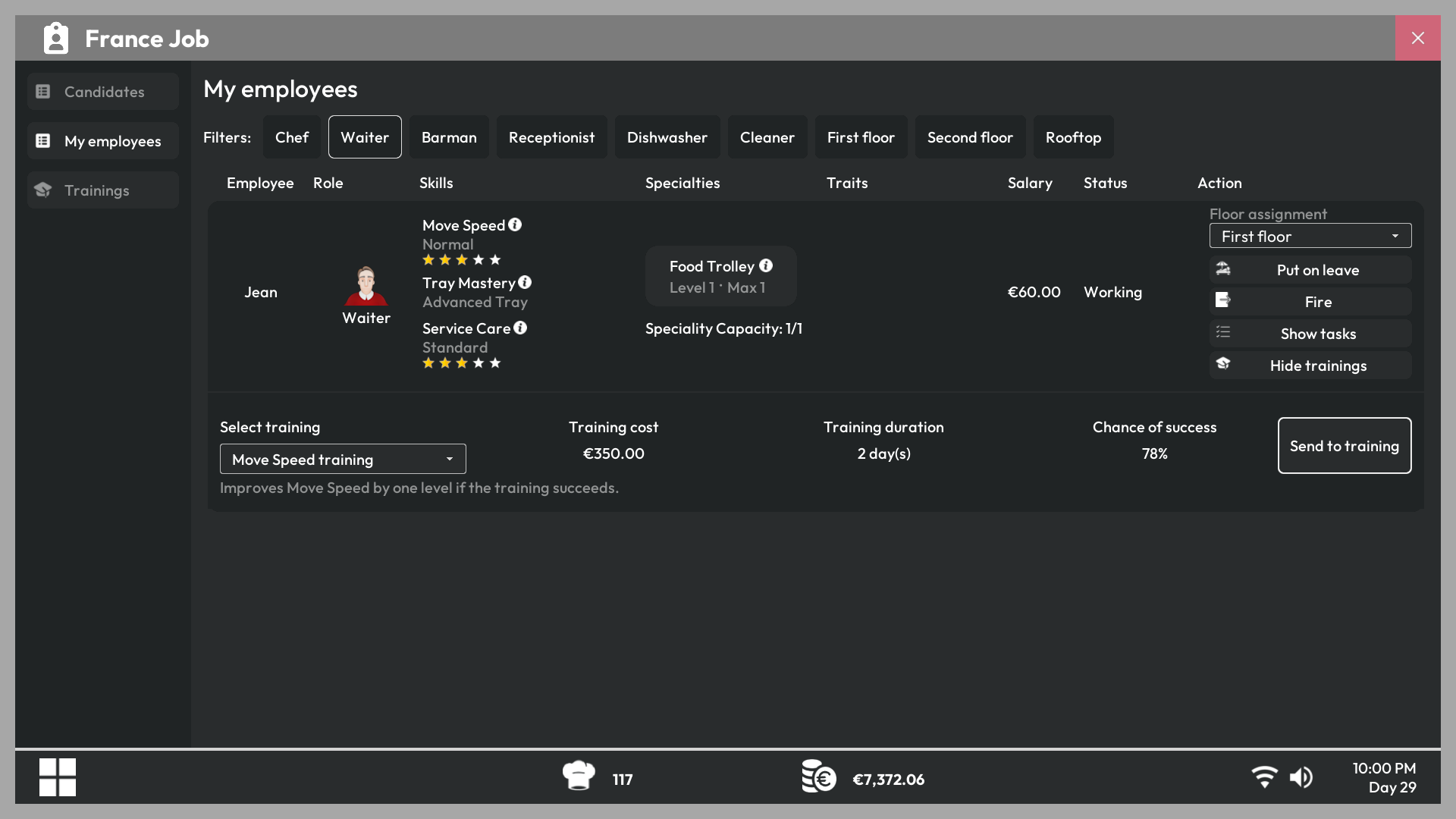
Employees gain experience while working. The Training section lets you improve skills, add specialties, gain positive traits, or remove negative traits when the corresponding option is available.
Tip
Review assignments after expanding to a new floor. An employee cannot cover an area or task that has been disabled in their settings.