
Your character's appearance can be changed without starting a new game.
Open the customization menu
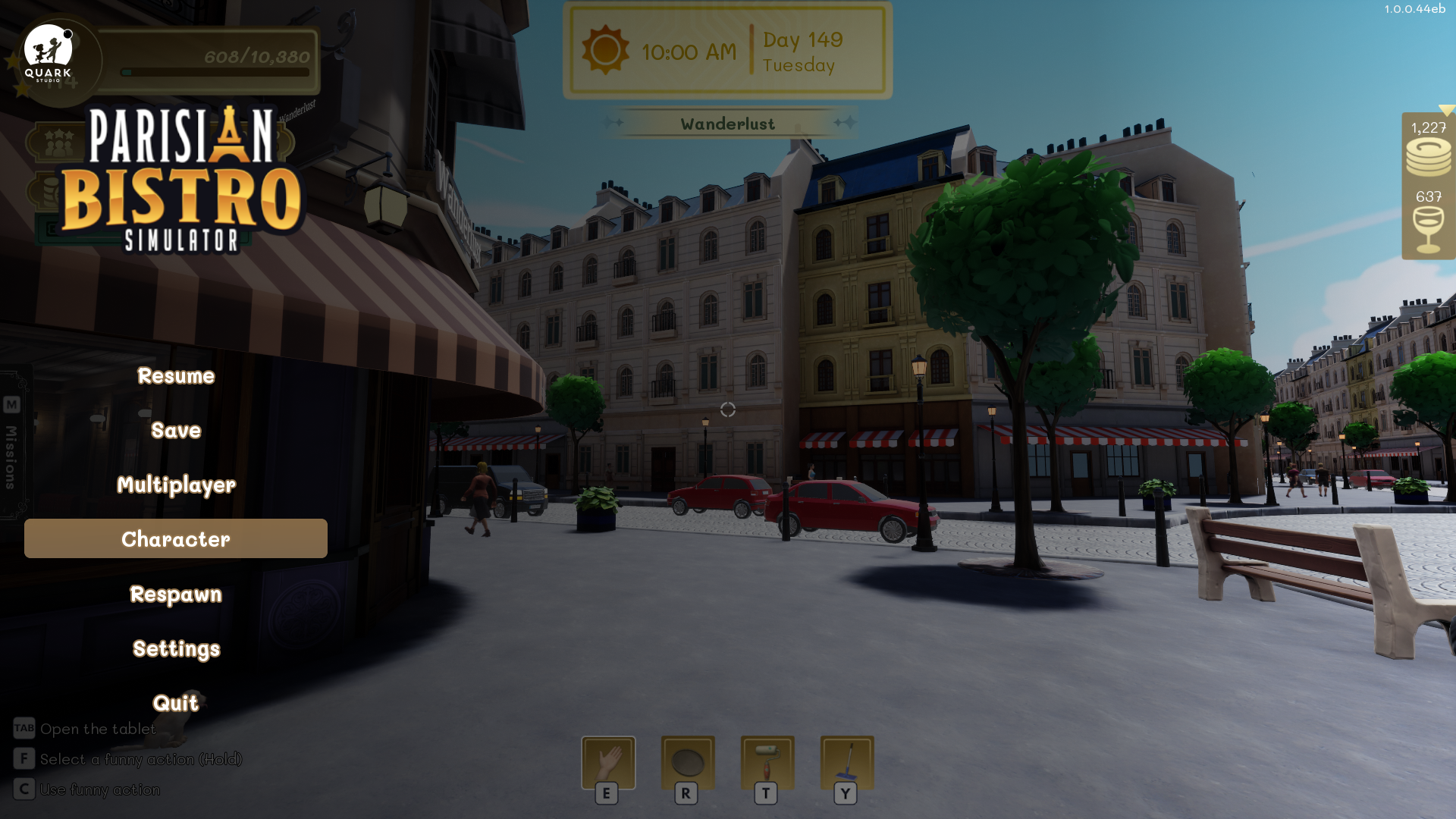
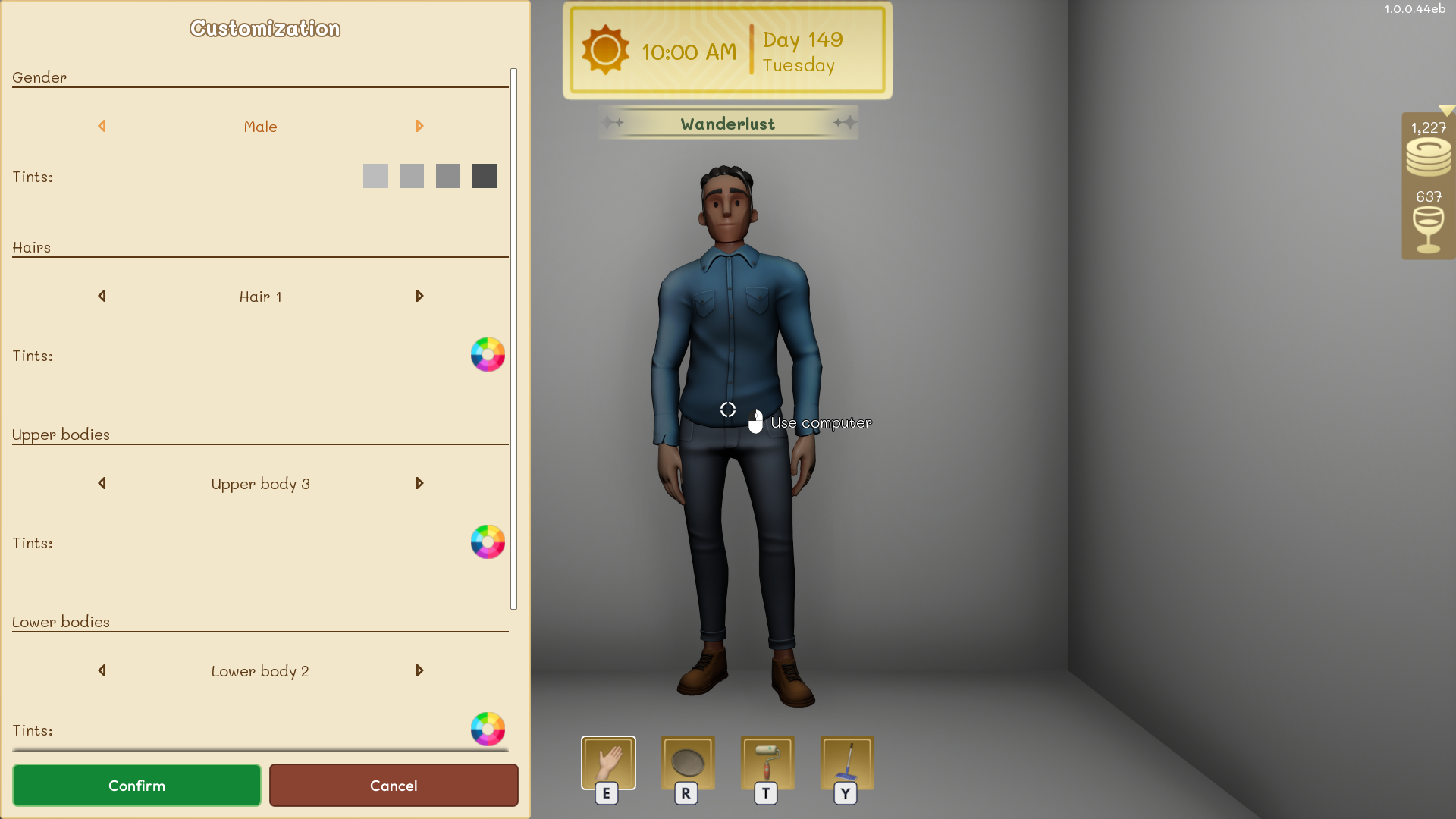
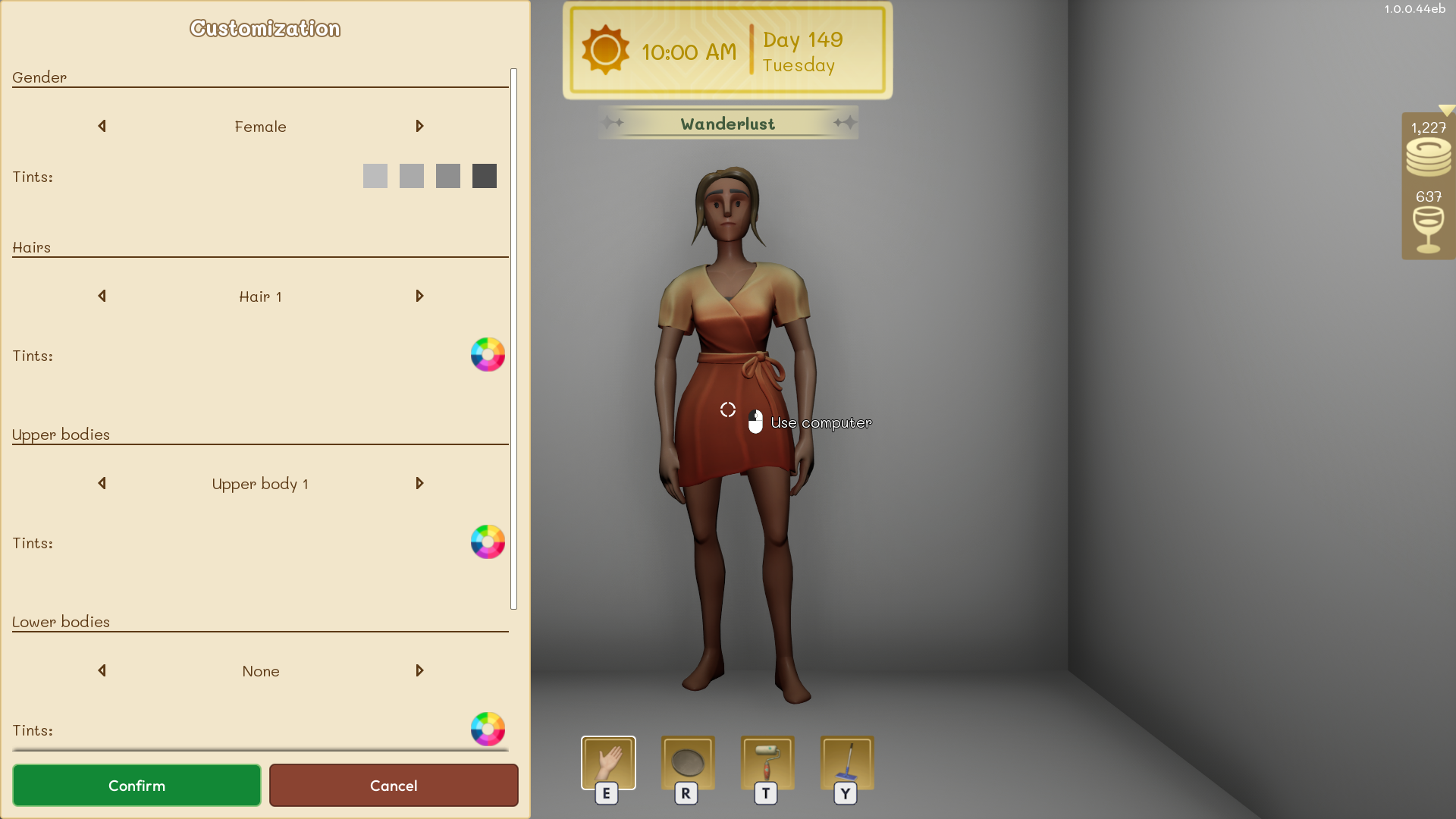
Press ESC to open the game menu, then select Character. Change the available appearance options and confirm when you are finished.
Shared appearance
Character customization is shared across all your games and save files. A confirmed change therefore applies whenever you use that player profile.