
The drink queue coordinates the tablet, barmaids, waiters, and players during service.
Create a drink order
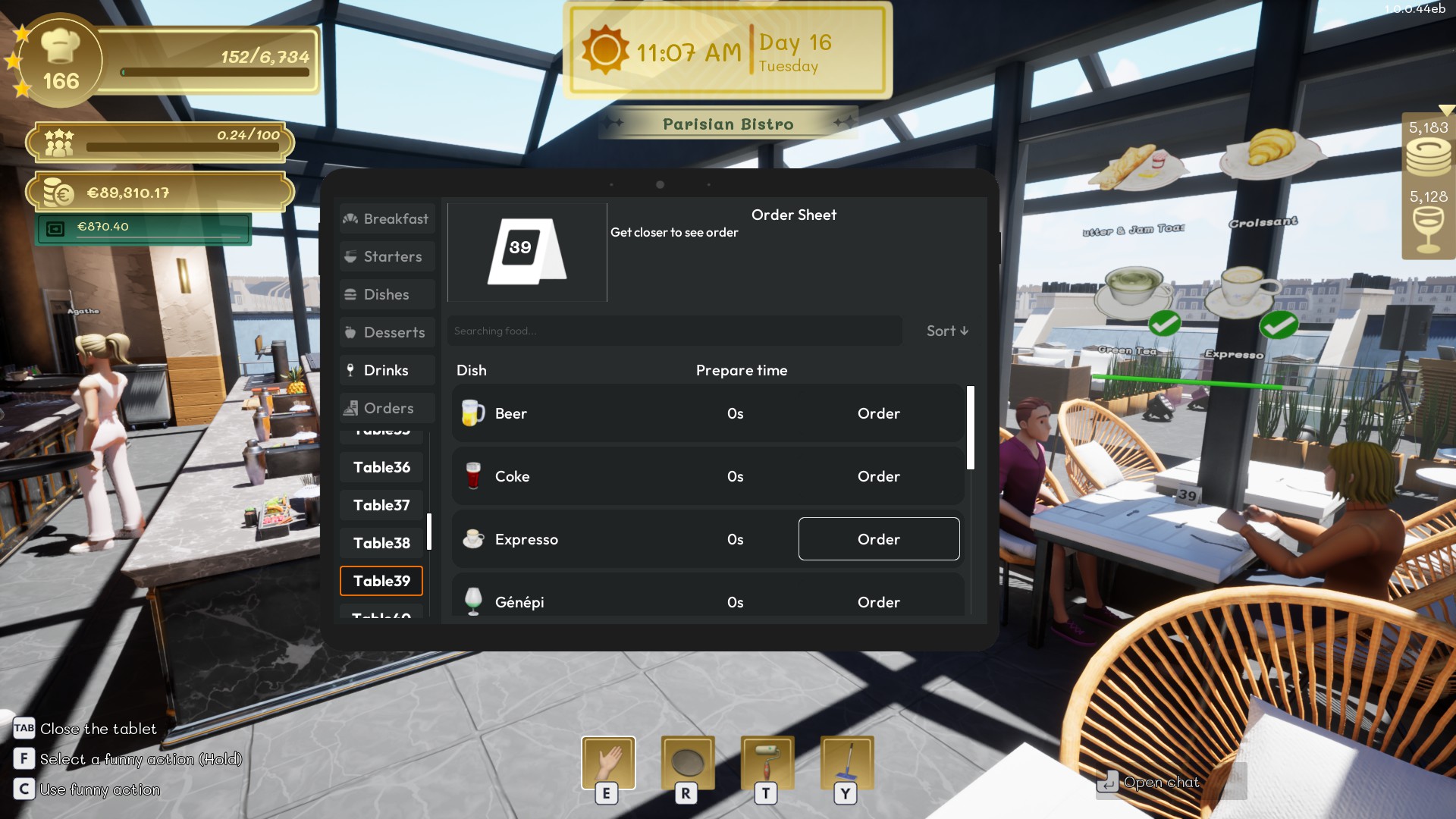
Open the tablet, select the correct table, and add the requested drinks. Confirm the order to place it in the queue.
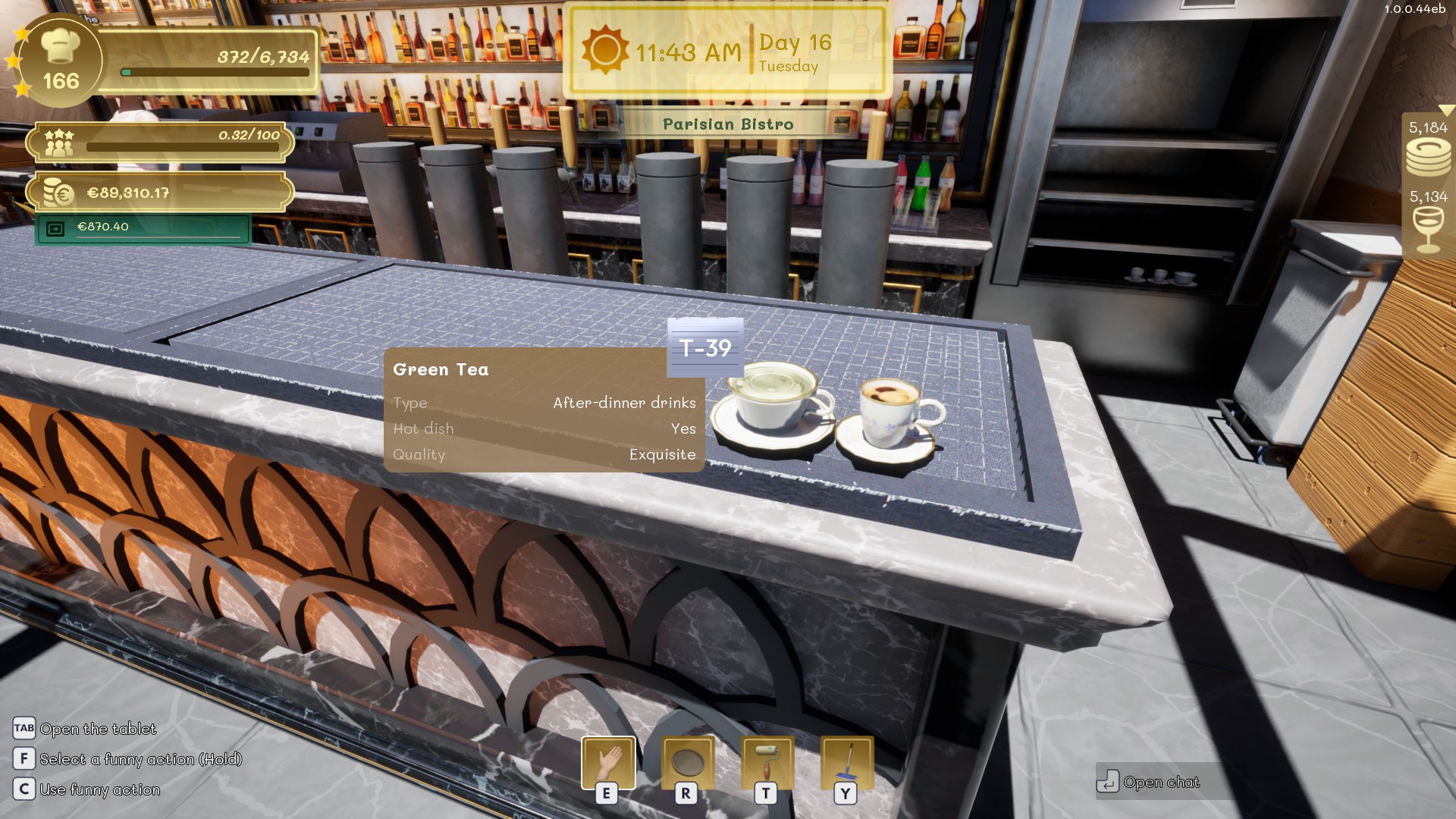
When a player places a drink order using the tablet, the barmaid will begin preparing it. Once the drink is ready, the barmaid will place it on the bar counter, where either the waiter or the player can pick it up.
Claim an order
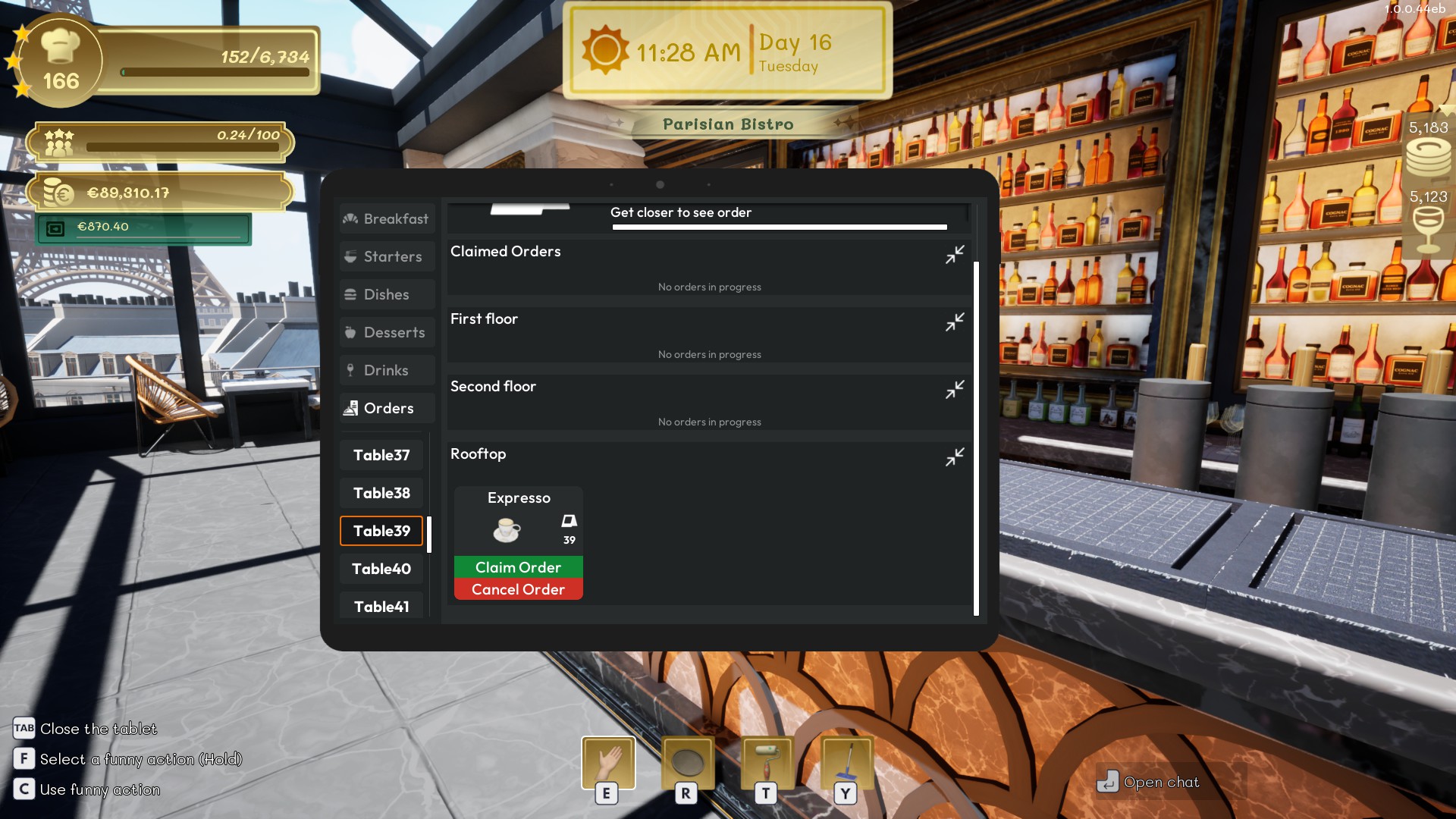
Open the Orders tab and claim an entry before preparing it yourself.
Once claimed, the drink will no longer be visible or available to the barmaid or other players. This prevents multiple players or NPCs from attempting to pick up or deliver the same drink at the same time.
Use employees
Barmaids prepare compatible queued drinks and place them on the bar counter. Waiters can collect completed drinks and deliver them to the assigned table.
Tip
Keep table assignments accurate. A completed drink can only be delivered correctly when its order is linked to the intended table.