
Toppings are added after the cocktail has been poured into its glass and before the recipe is validated.
There are 2 kind of toppings:
- Raw, only ordered in the menu app.
- Prepared, those kind of toppings must be prepared by the player in the preparation ingredients station. Barmaids won't prepare these, players must prepare and stock up.
Example : Slice of lemon must be prepared in order to be placeable as topping.
Adding Toppings
Complete the cocktail recipe, shake it, and pour it into the correct glass. The station then lets you select compatible toppings.
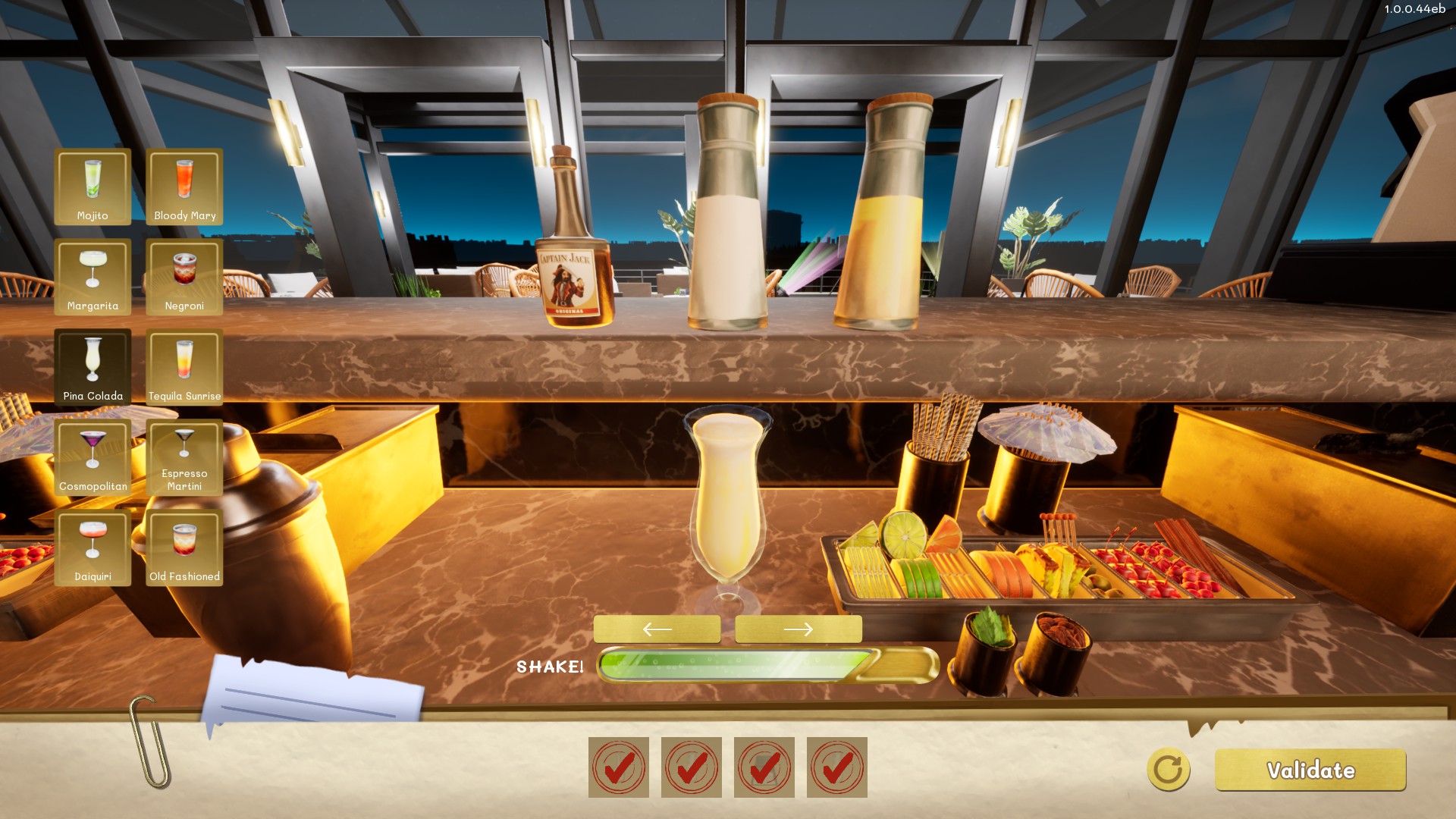
Choose the toppings
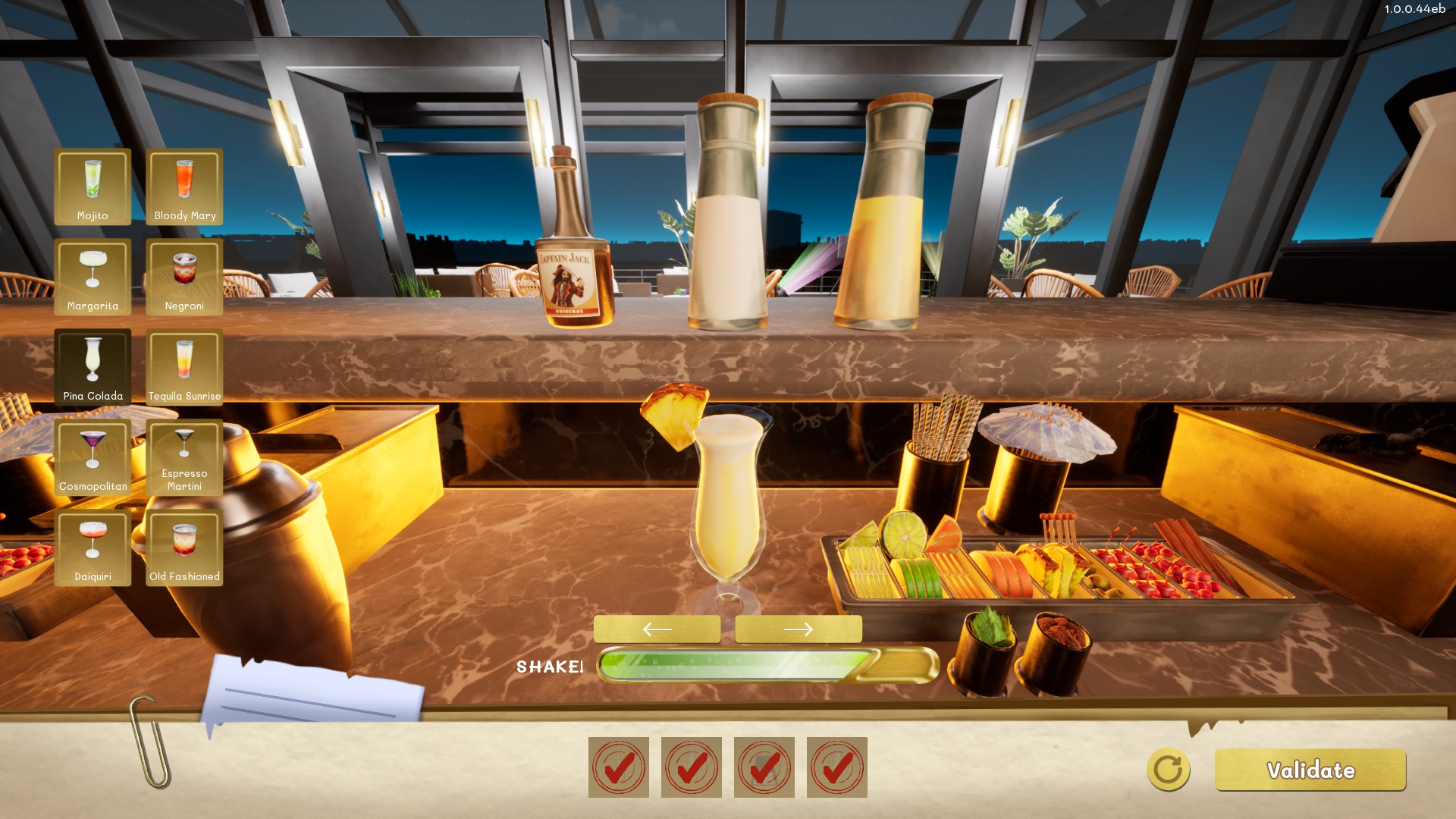
- Use prepared fruit from the cutting station. Preparing Ingredients
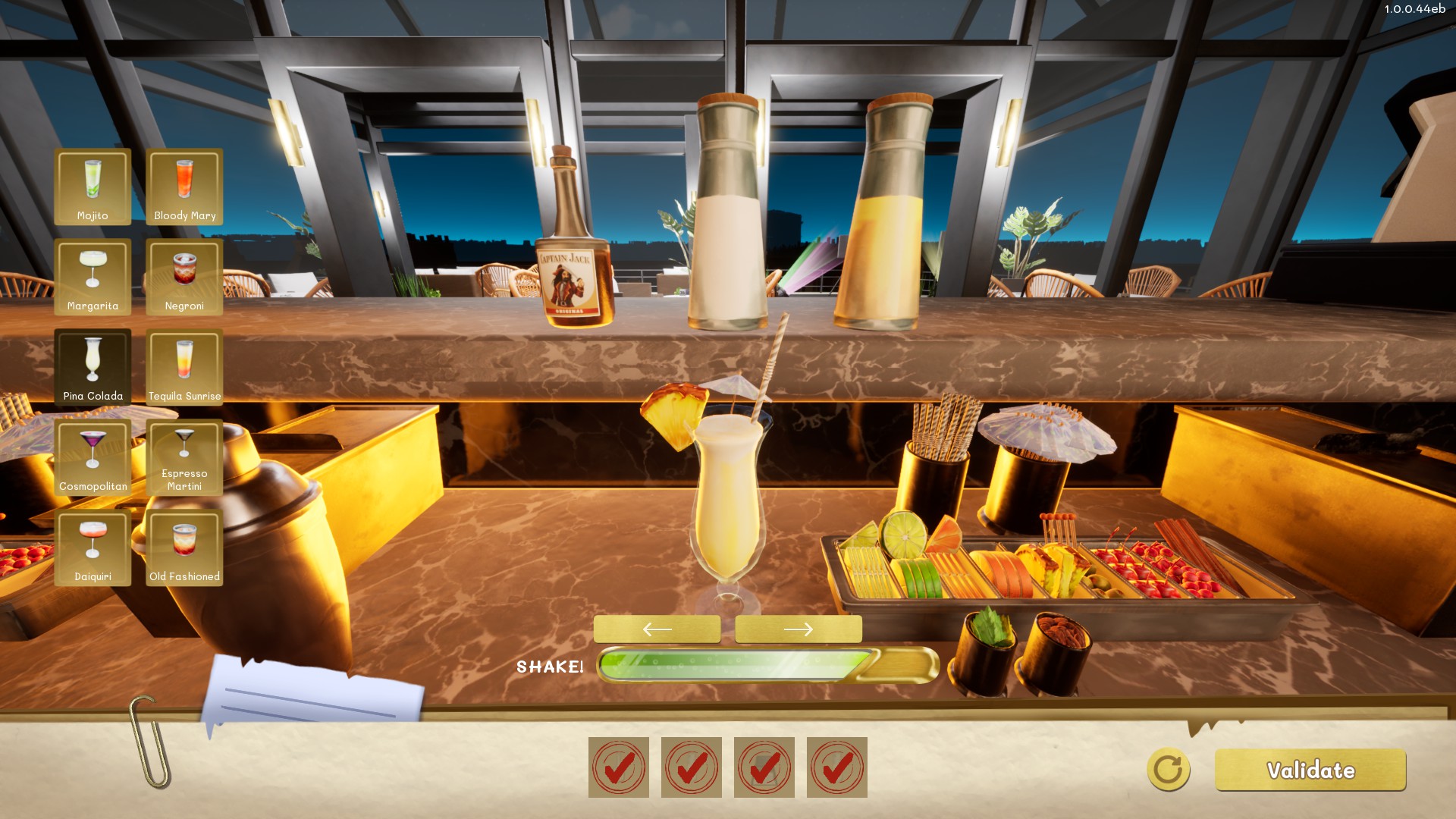
- Add available decorative items.
- Add a straw when desired.
- Check the preview before validating the cocktail.
Effect on service
Toppings are optional, but they improve presentation and provide a small customer-satisfaction bonus. Press Validate when the drink is ready.
Note: Barmaids can place toppings on orders but there should be an available stock.