
After a group has finished, customers move to payment. You can handle the transaction at a cash register or take payment directly at their table.
Take payment at the register
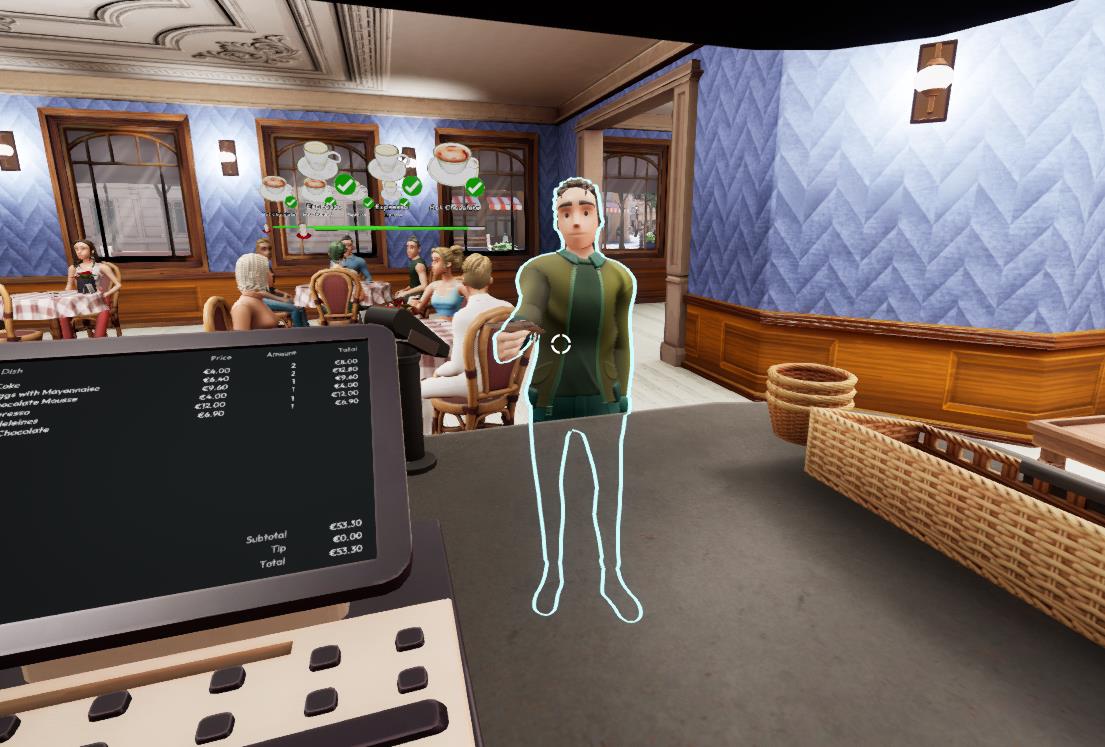
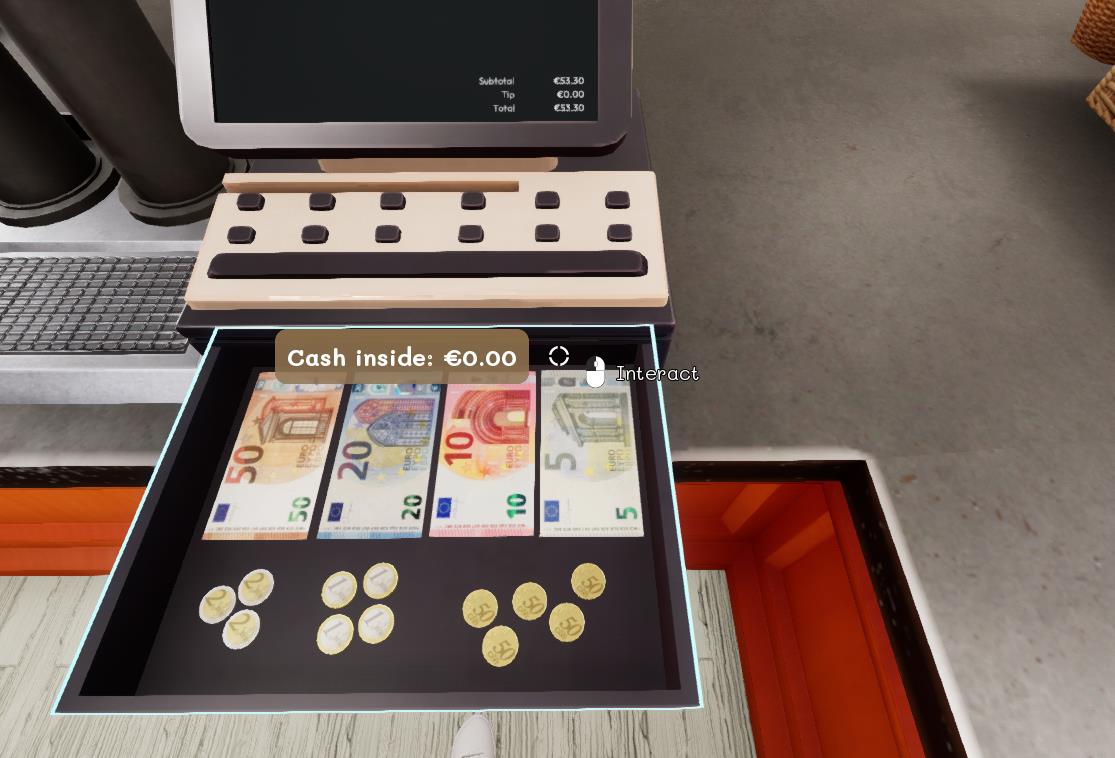
Approach the customer waiting at the register and use the interaction shown on screen. Complete the payment sequence, then close the cash drawer to finish the transaction.
Take payment at the table
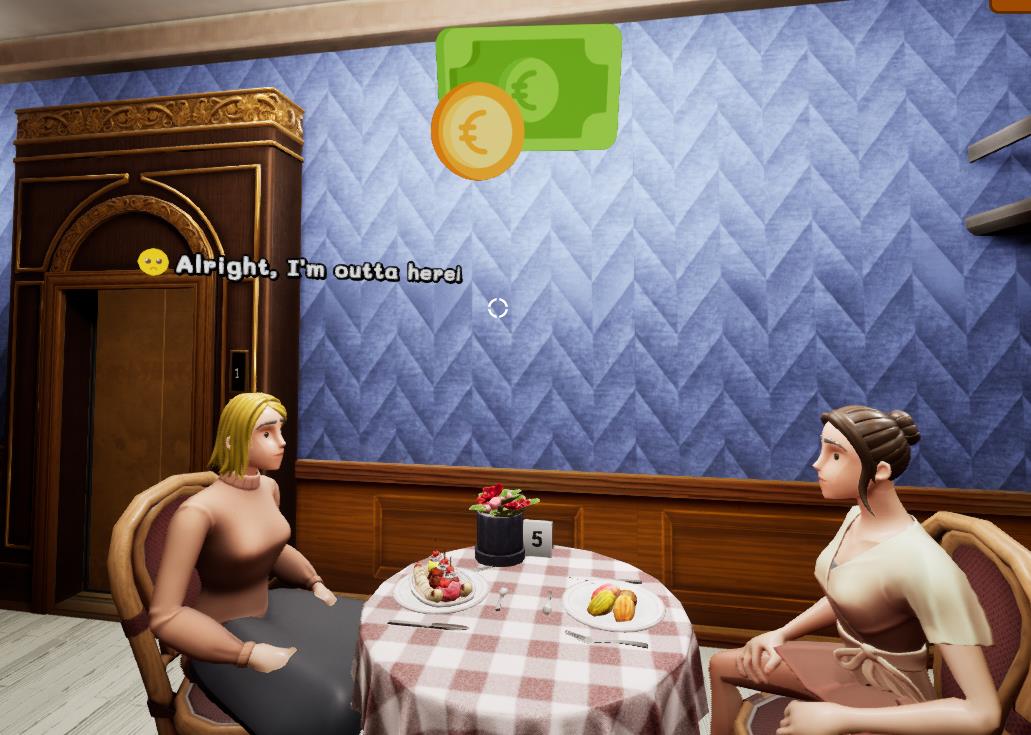
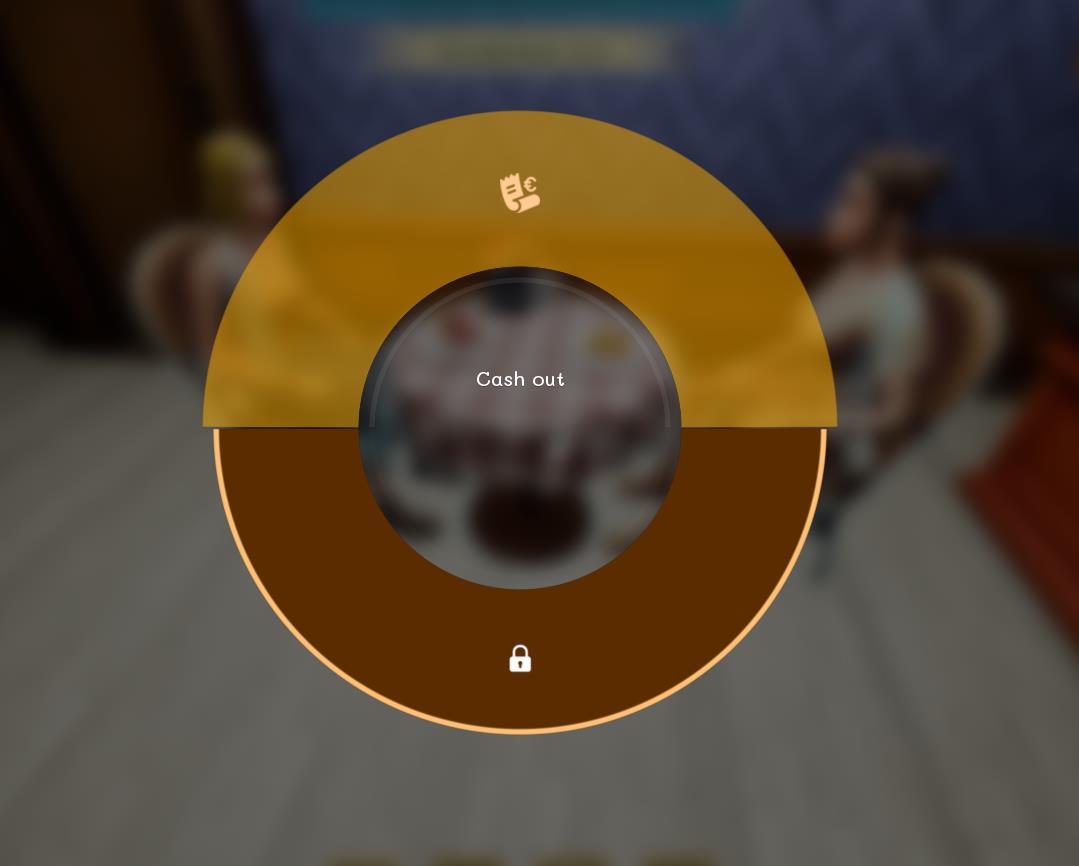
Aim your cursor at the group after it requests the bill and hold the interaction key shown on screen. Select the table payment action and complete the transaction without sending the group to the register.
After payment
Cash payments are stored in the register assigned to that floor. Card payments are declared immediately. At the end of service, remember to empty every register during cash-up.
Page indisponible