
The tablet lets you take orders without returning to the office computer. You or your employees can then prepare and deliver orders assigned to a table.
Select the table
Aim at the table before opening the tablet. The table is selected automatically, reducing the risk of assigning the order to the wrong group.
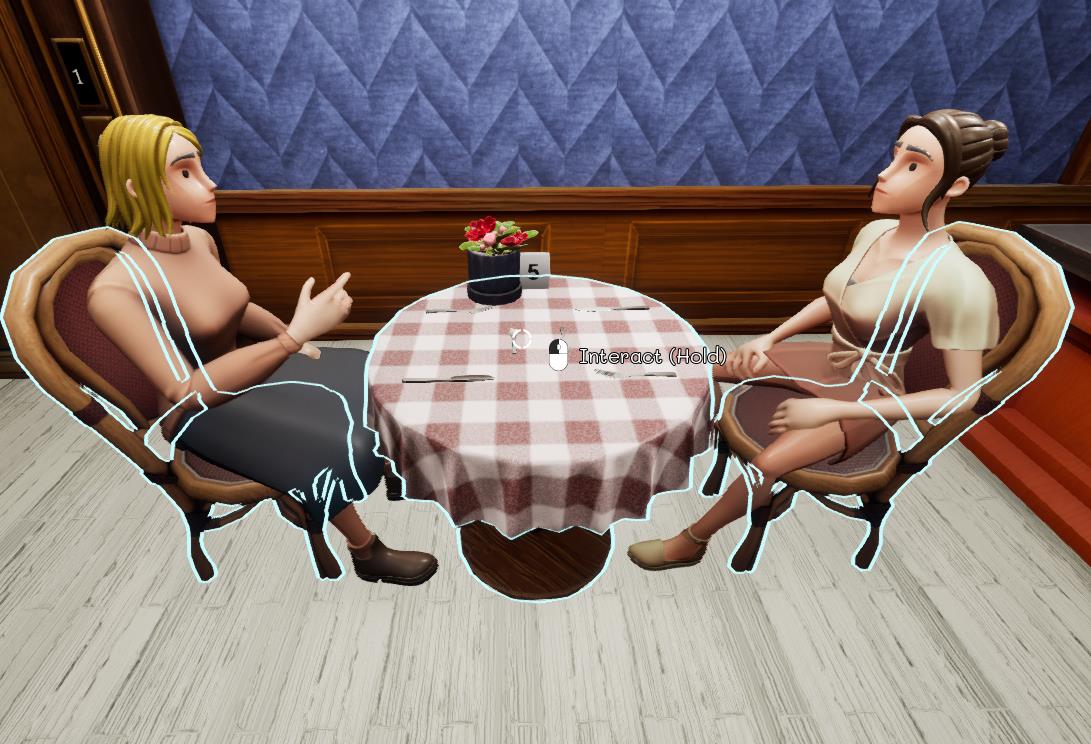
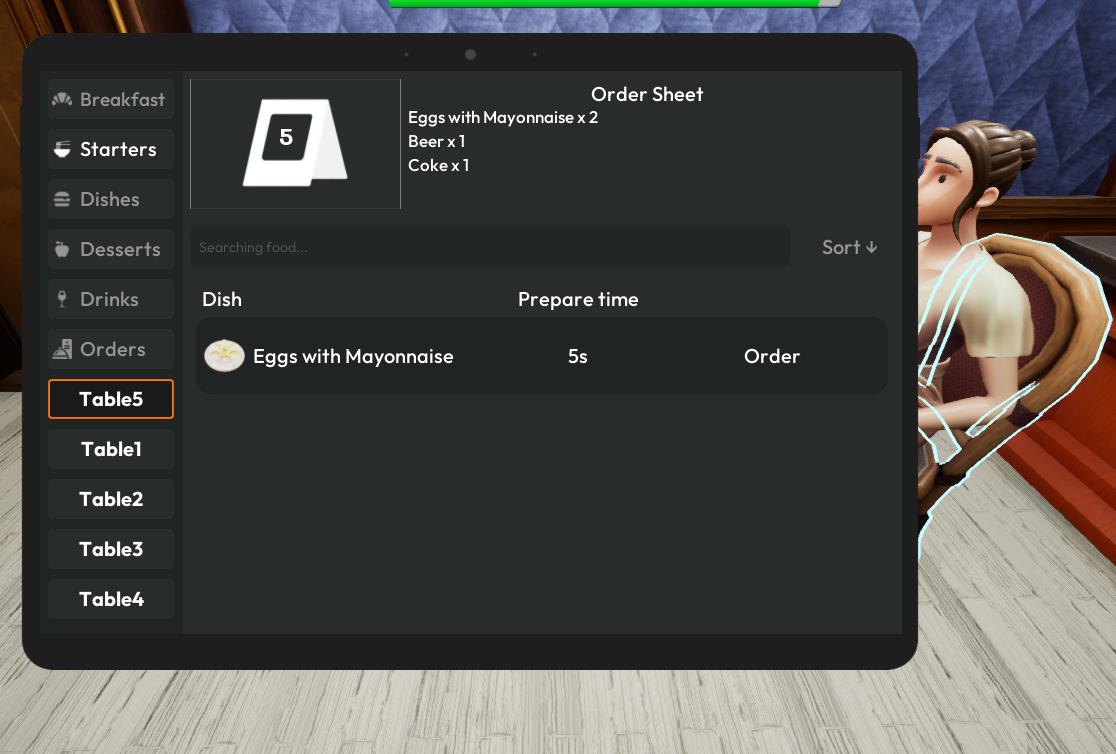
Record the order
Press the tablet shortcut "TAB" shown in your controls, then select by clicking "order" beside every dish and drink the group requested. Check the order sheet shown at the top of the tablet screen to confirm the order.
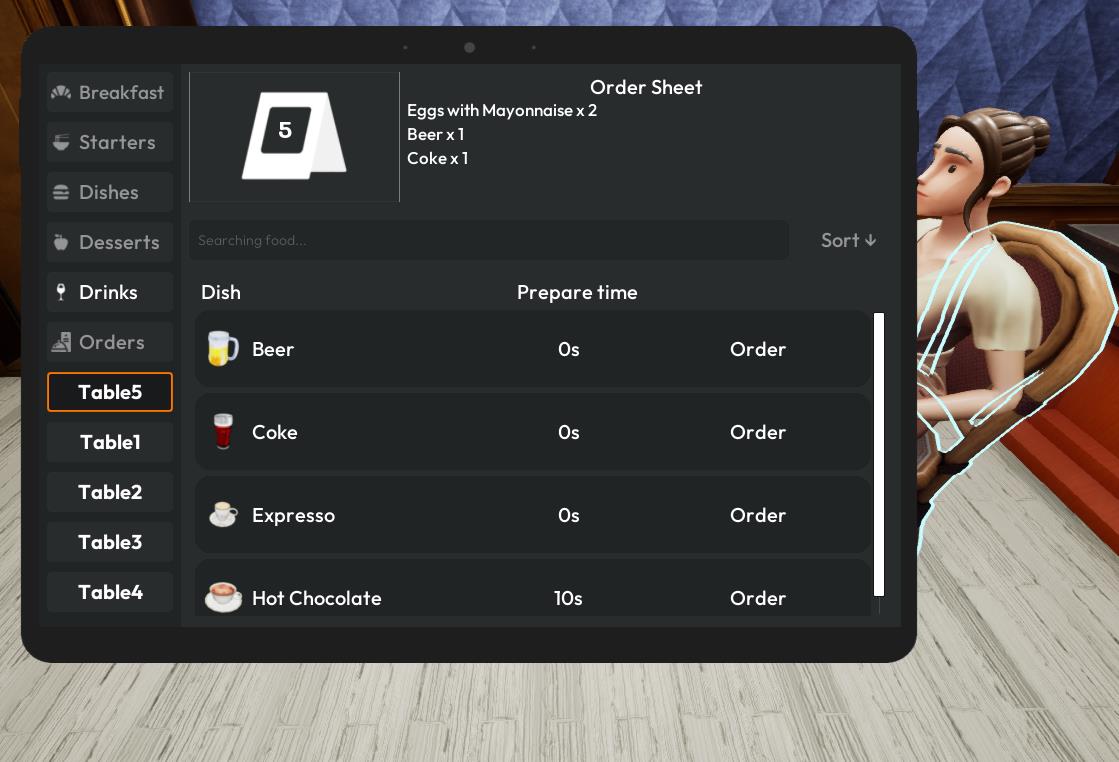
Send the order to the team
Once confirmed, the order is linked to the table. Kitchen and bar tasks can be handled by employees, and waiters can deliver completed items to the correct tables.
Tip
Always aim at the table first. If you opened the tablet without selecting the intended table, it will not automatically select anything; verify the table number before confirming.