
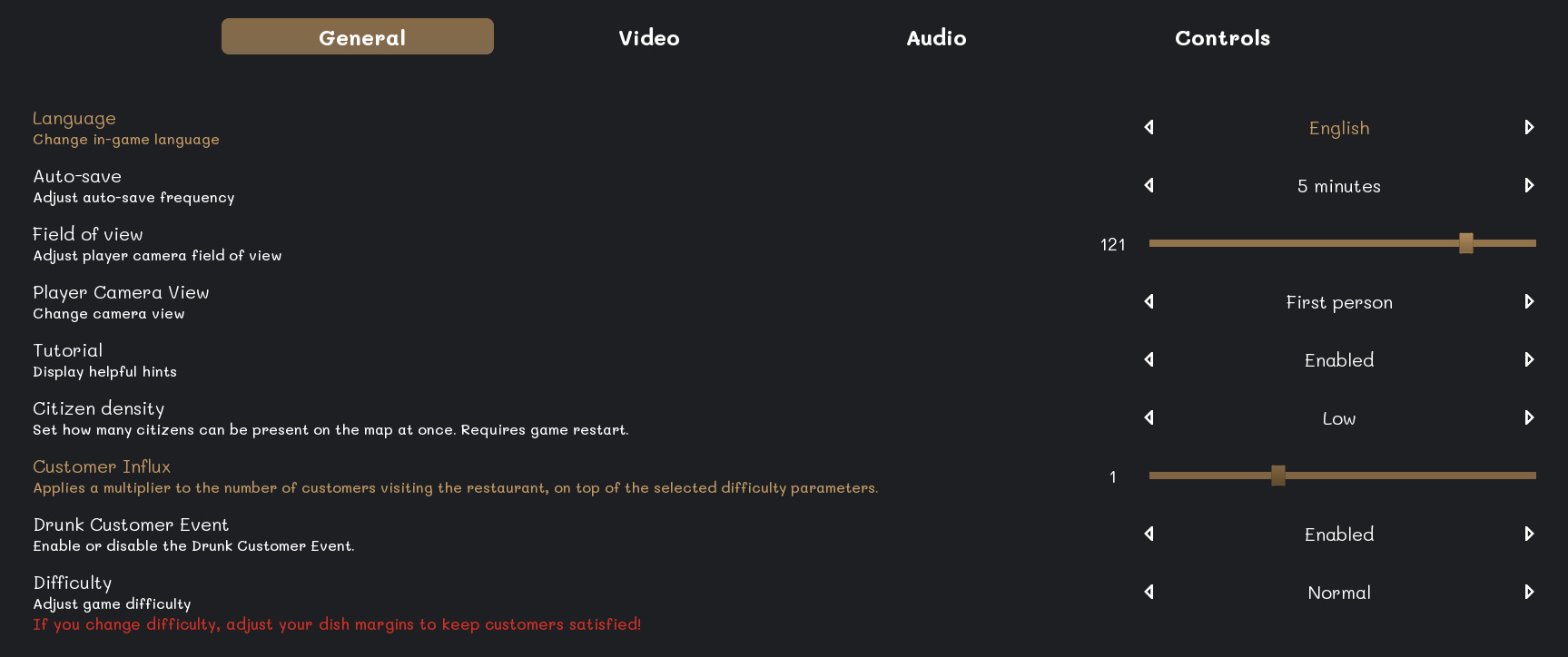
Customer influx controls how busy the restaurant becomes during service.
Change the setting
Open the game settings and locate Customer Influx. Adjust it to the level that matches your preferred workload, then apply the change.
Balance the restaurant
A higher influx creates more simultaneous tables and orders. Make sure the kitchen, bar, table capacity, and staff can handle the selected level.