
Each day, you can create an optional Daily Menu for lunch and another for dinner from the Menu app on your office PC. To access it, click Daily Menu at the top of the Menu app's left sidebar.
Read the service forecast
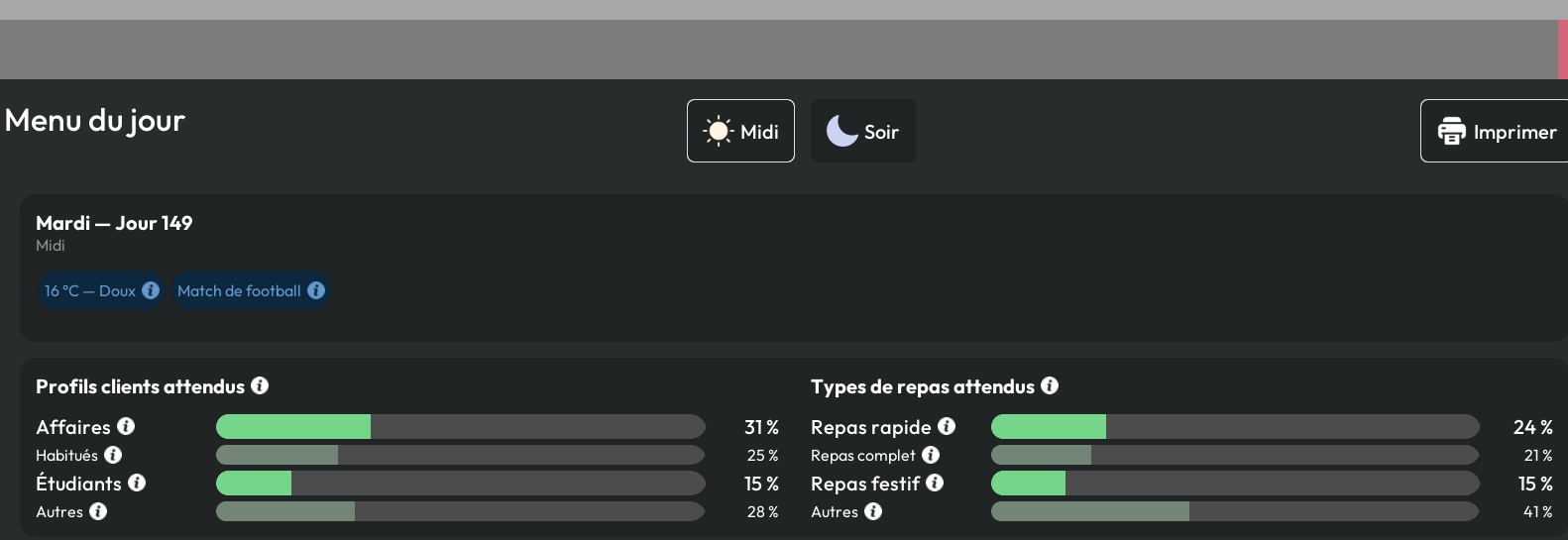
Before choosing dishes, check the weather, events, expected customer profiles, and preferences displayed for the service. Lunch runs from 11 AM to 6 PM; dinner runs from 6 PM into the night.
Build the menu
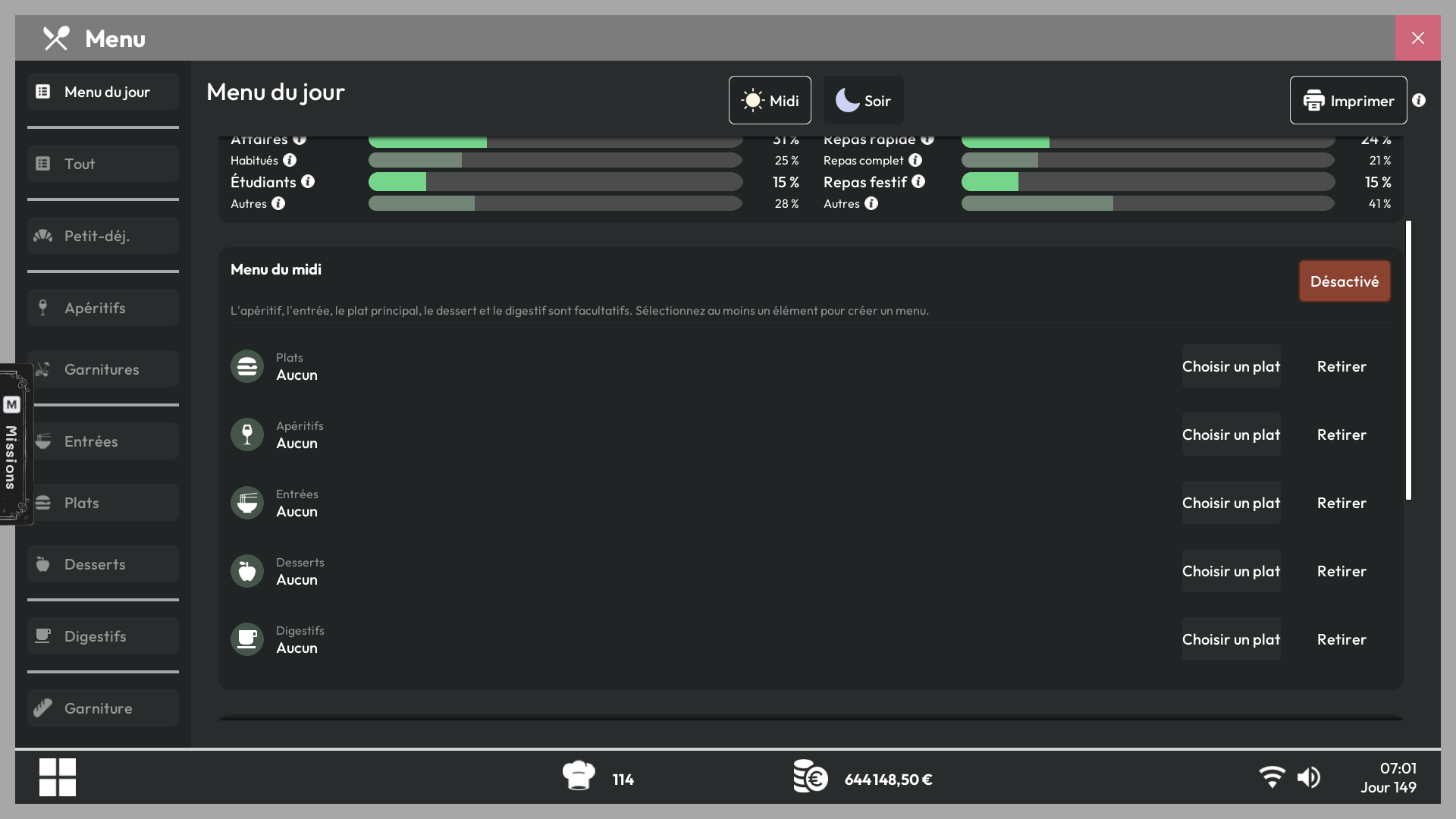
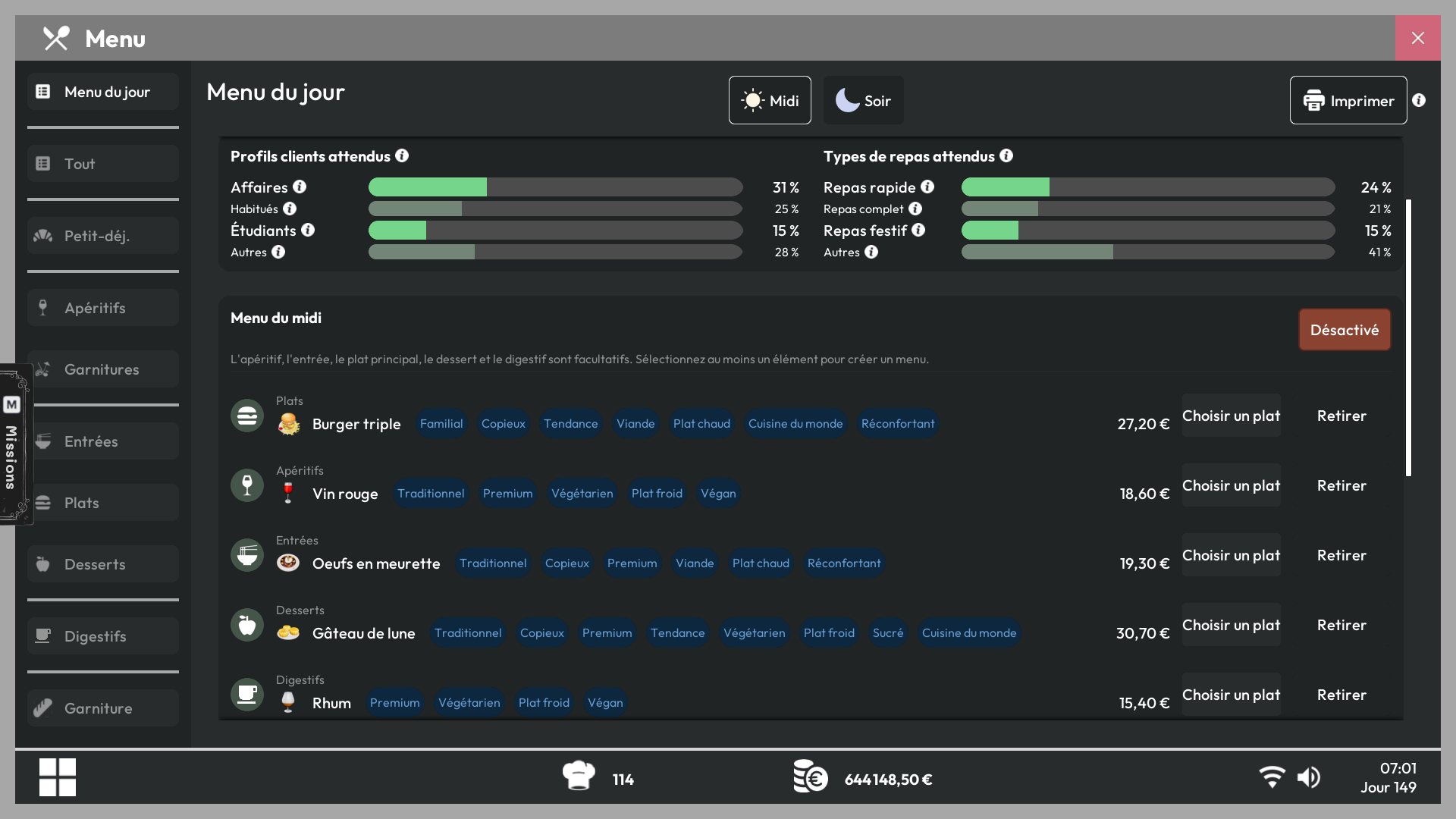
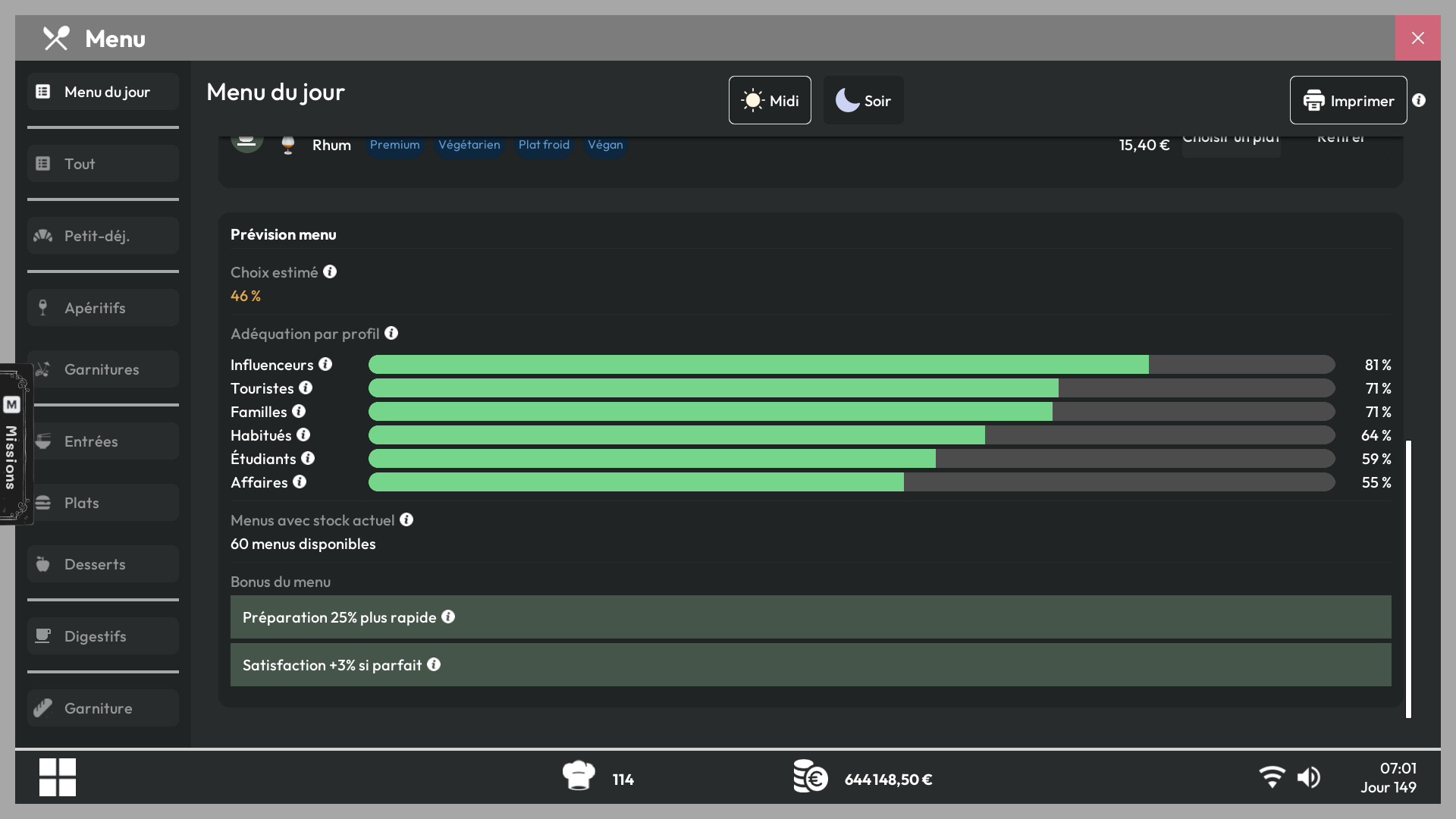
- Select the dishes and drinks offered during the chosen period. The forecast estimates how well the menu matches the expected customers and displays an adoption rate.
- A better match increases the likelihood that customers will choose the Daily Menu. A suitable menu improves customer satisfaction. Dishes included in the Daily Menu are prepared 25% faster. Lunch and dinner offers are configured separately.
Promote the offer
Print copies and hand them out to pedestrians to attract more customers. Learn how to print menus in the article Printed Menus