
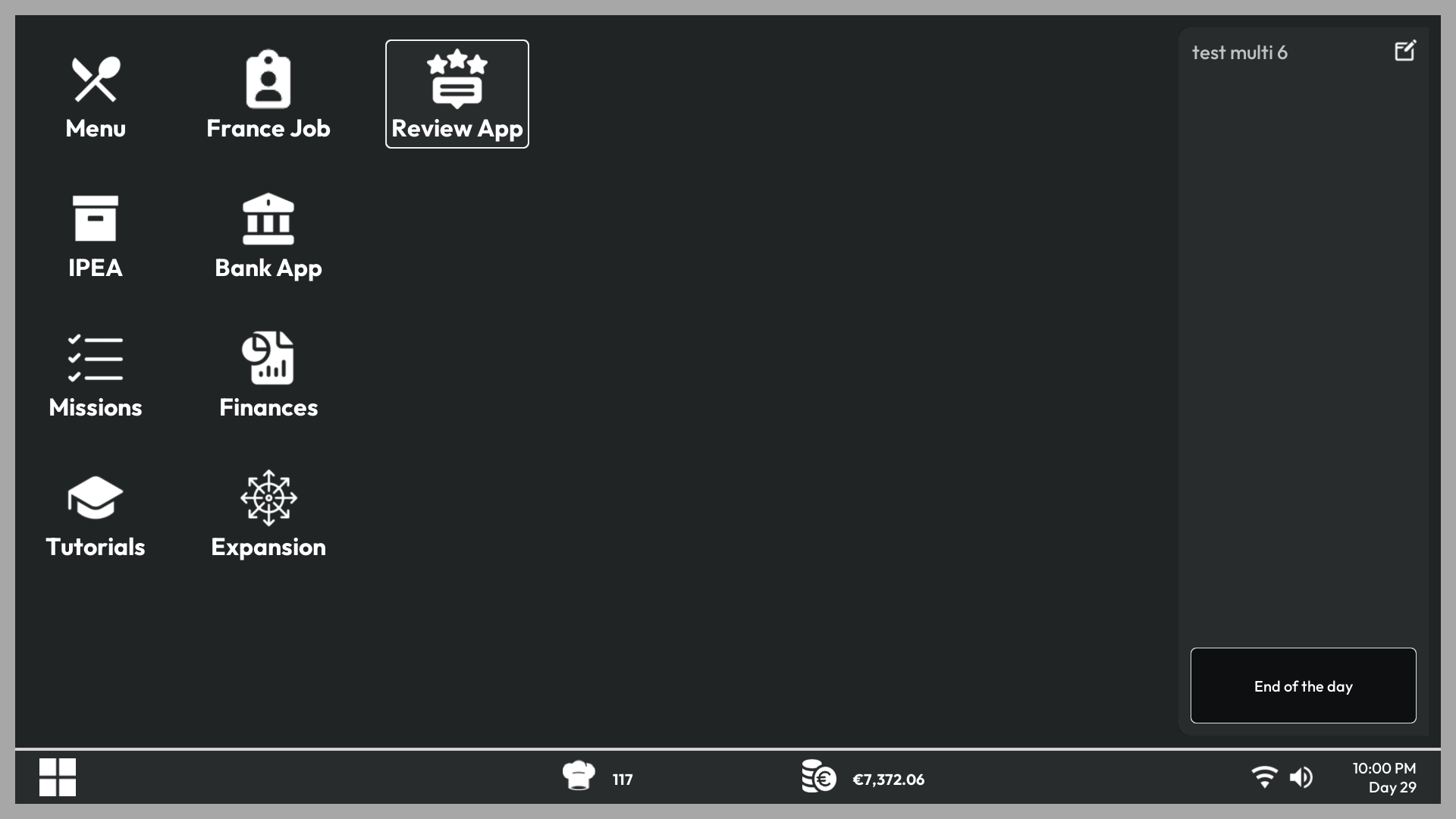
Customers can publish reviews after their visit. Open the Reviews app on your office PC to understand the result of recent services.
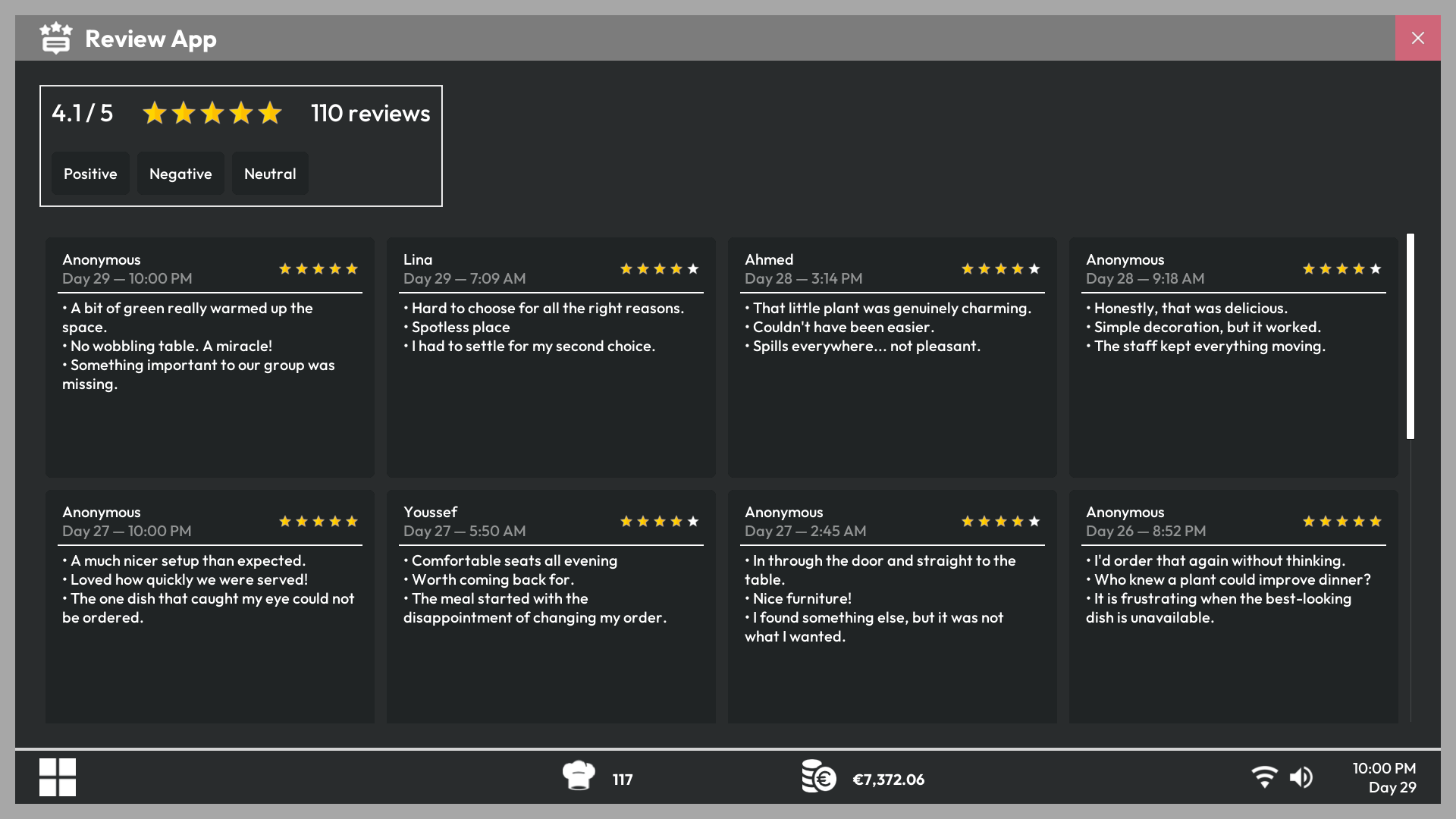
Read a review
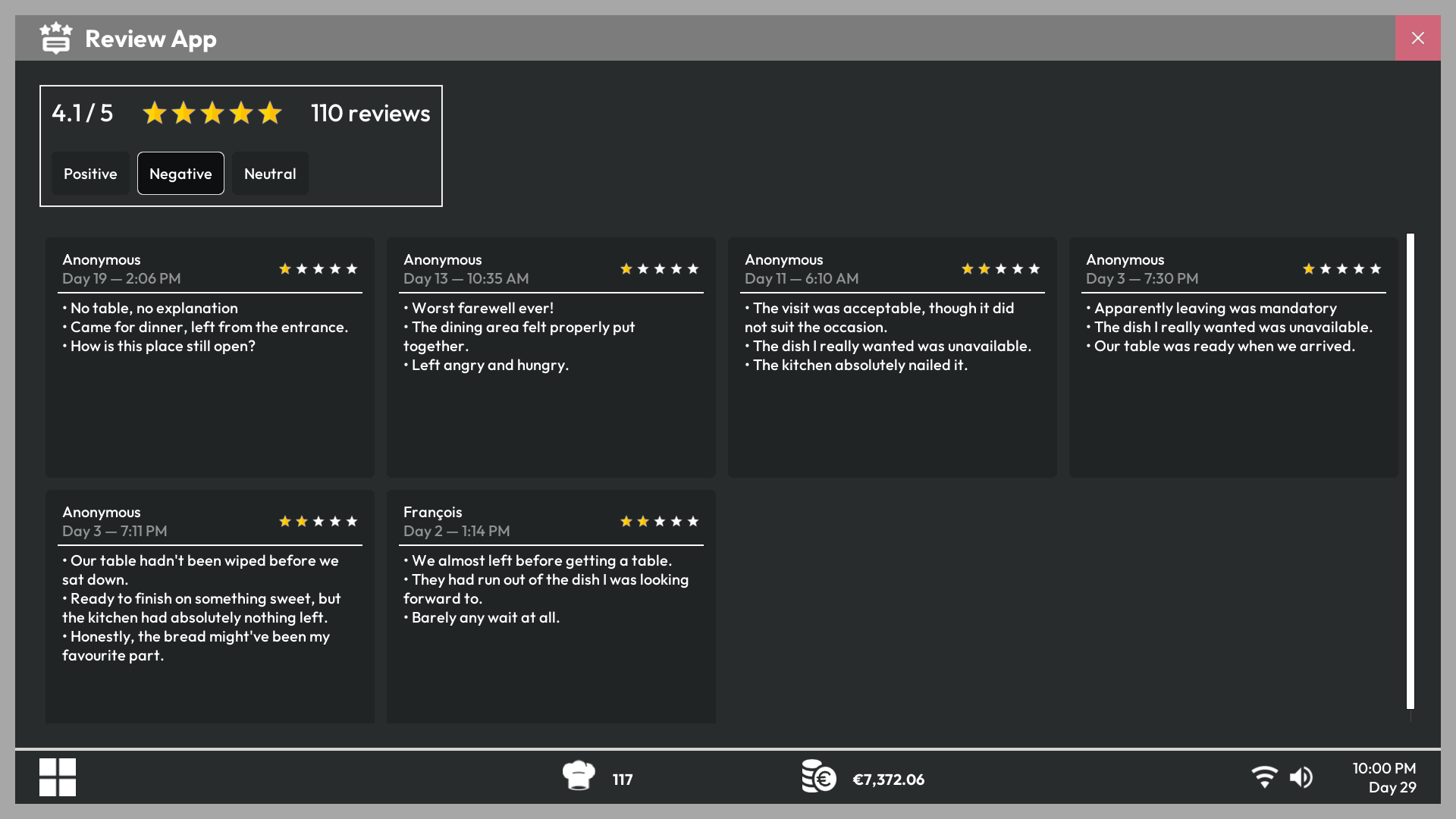
Each review includes a rating from one to five stars and comments based on what happened during the visit. Positive comments identify successful parts of the service, while negative comments point to specific problems.
Filter the feedback
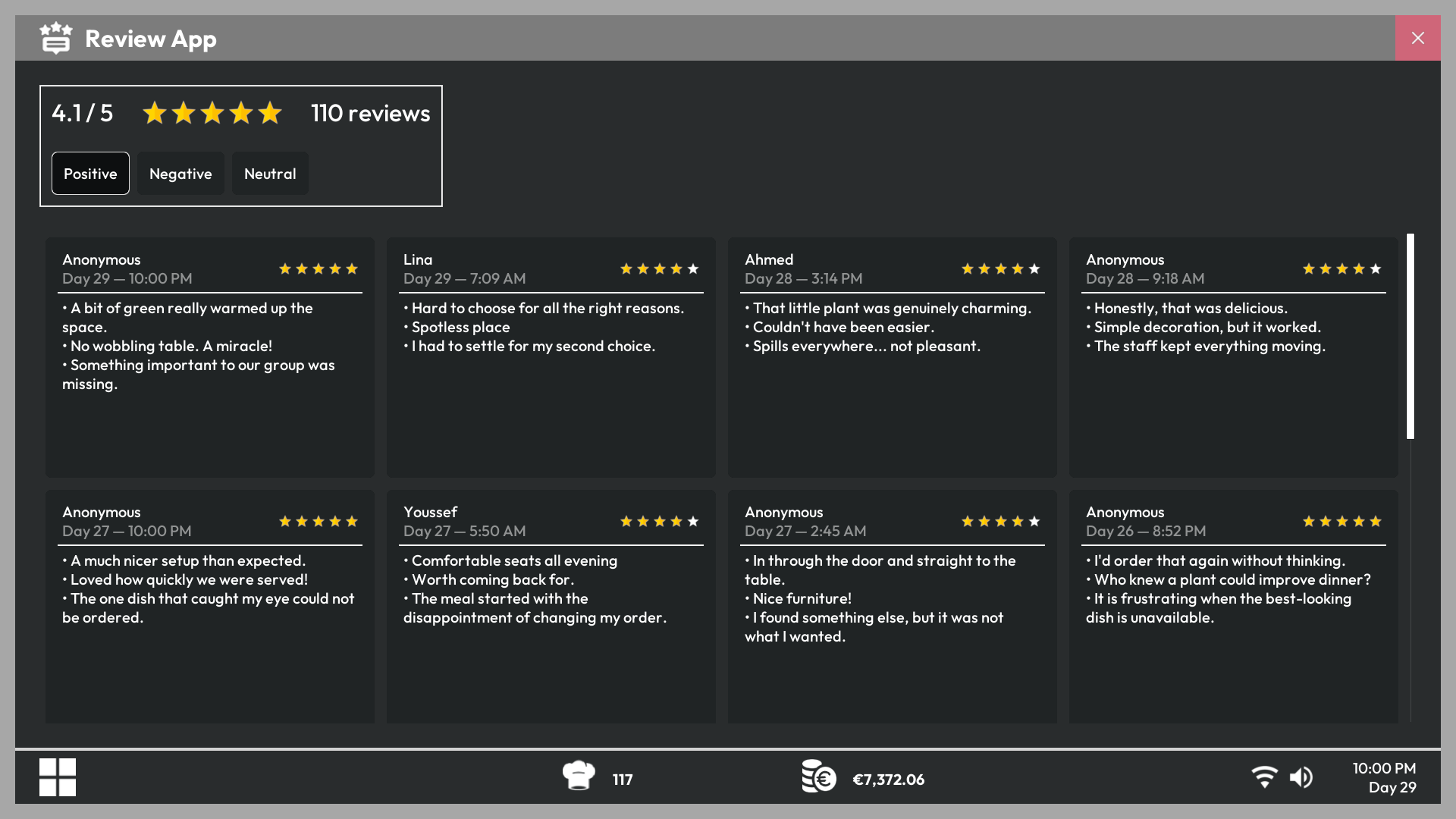
Use the available filters to focus on positive or negative reviews. Check repeated complaints rather than reacting to one isolated comment.
Act on recurring problems
- Review service speed if customers waited too long.
- Check dish quality and missing order items.
- Improve cleanliness, atmosphere, or table equipment when they are mentioned.
- Use the average rating and rating distribution to track progress over several days.