
The cocktail station guides you through each recipe. Read the HUD carefully and complete the steps in order.
Start the recipe
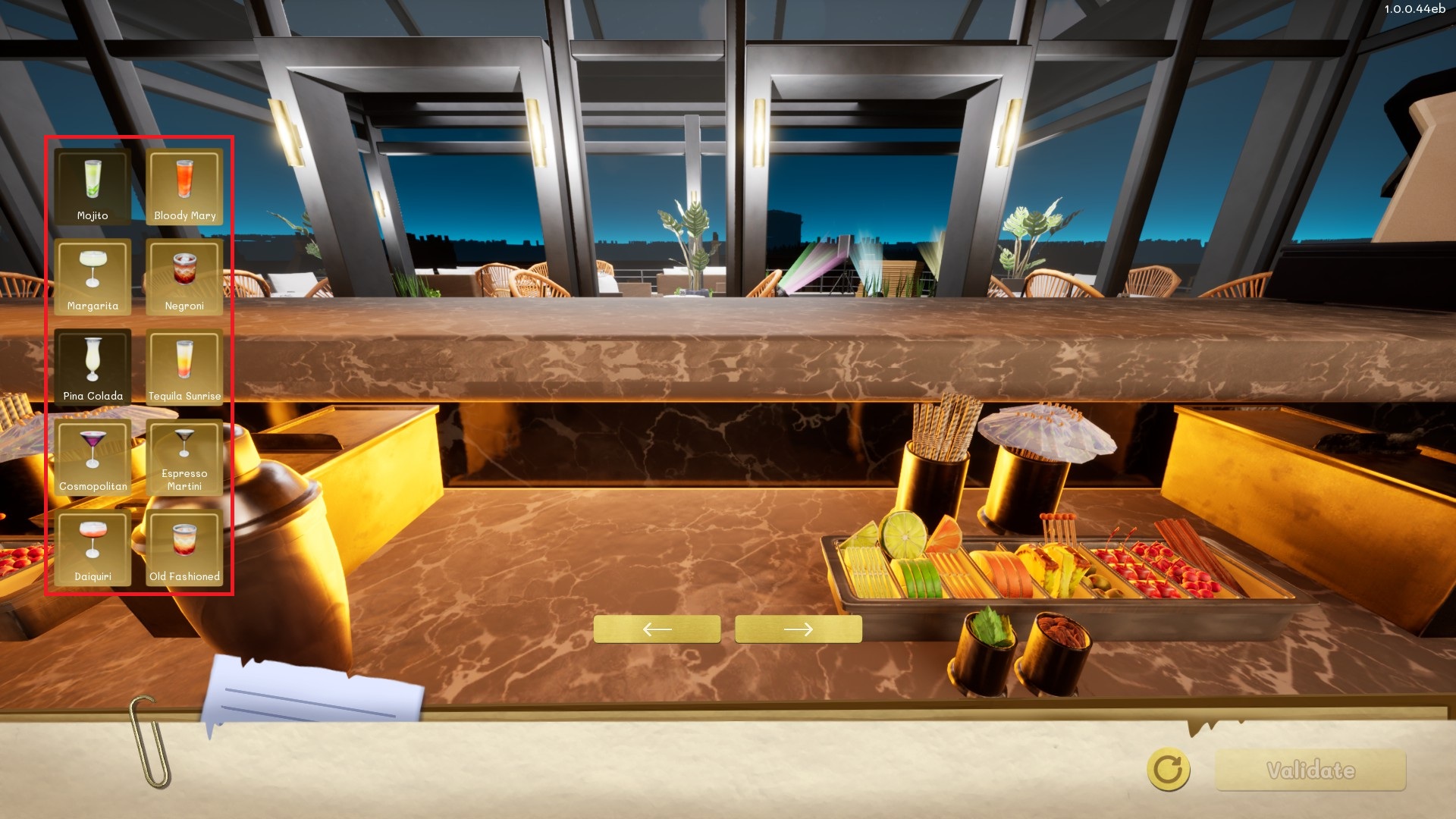
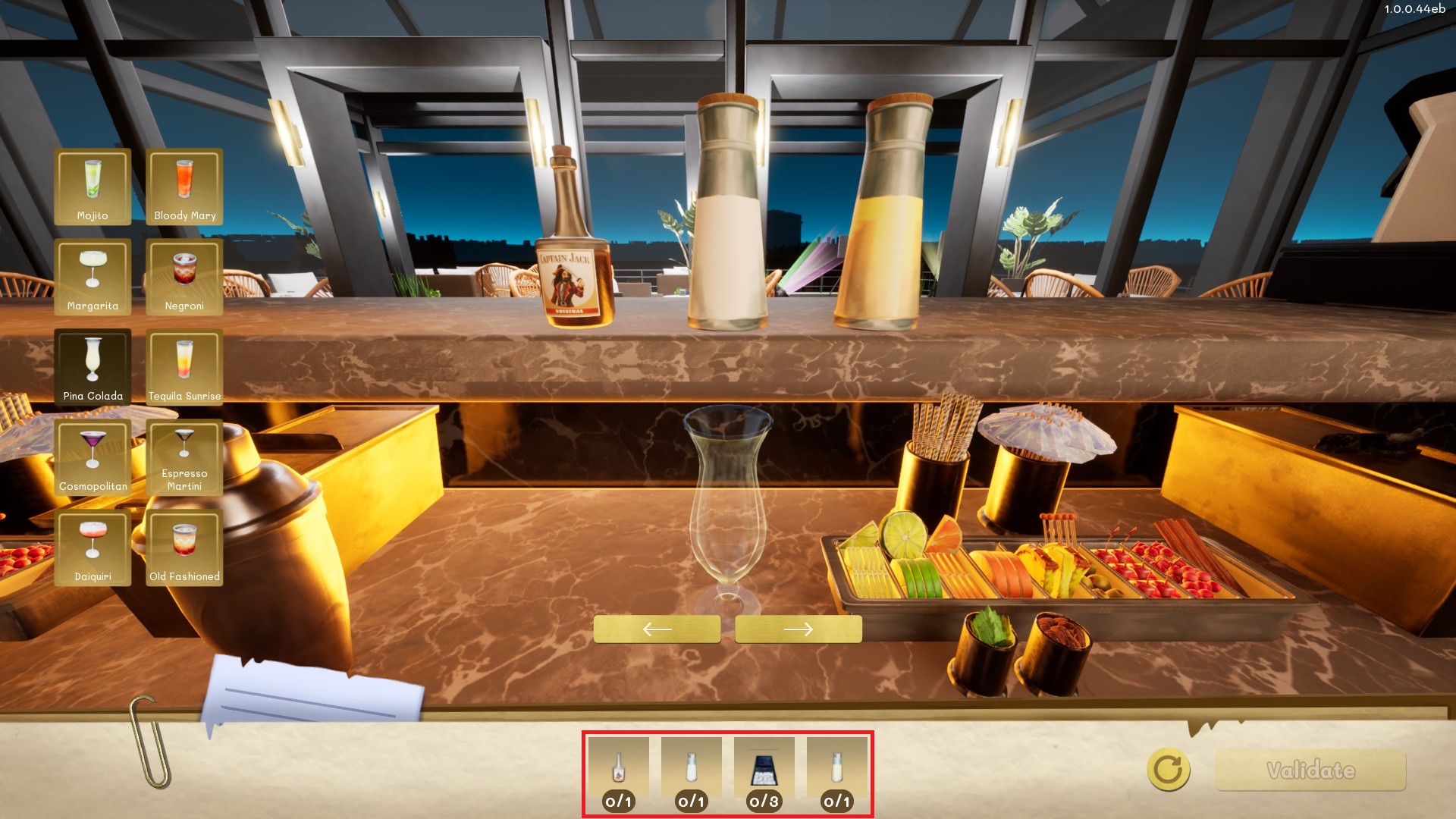
Interact with the cocktail station, select the requested cocktail, and pick up the shaker. The HUD lists the ingredients required by the recipe.
Fill and shake the shaker
First click the shaker and add every required ingredient from the station.
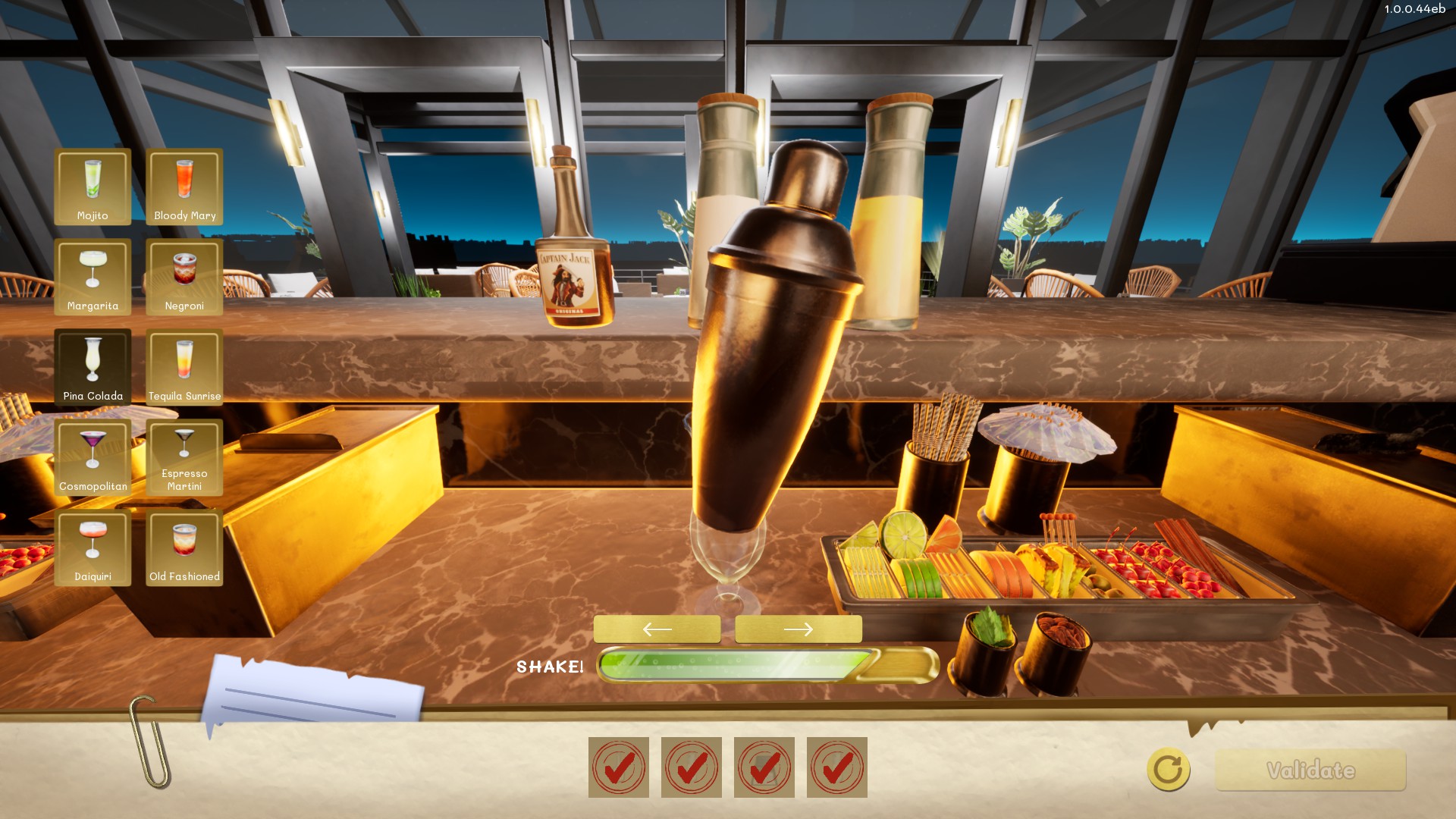
When the recipe is complete, hold the shake control shown on screen until the gauge is full.
Pour and finish
Pour the mixture into the correct glass. Add optional prepared fruit, decorations, or straws, then press Validate. The finished cocktail is placed on the serving surface for collection.
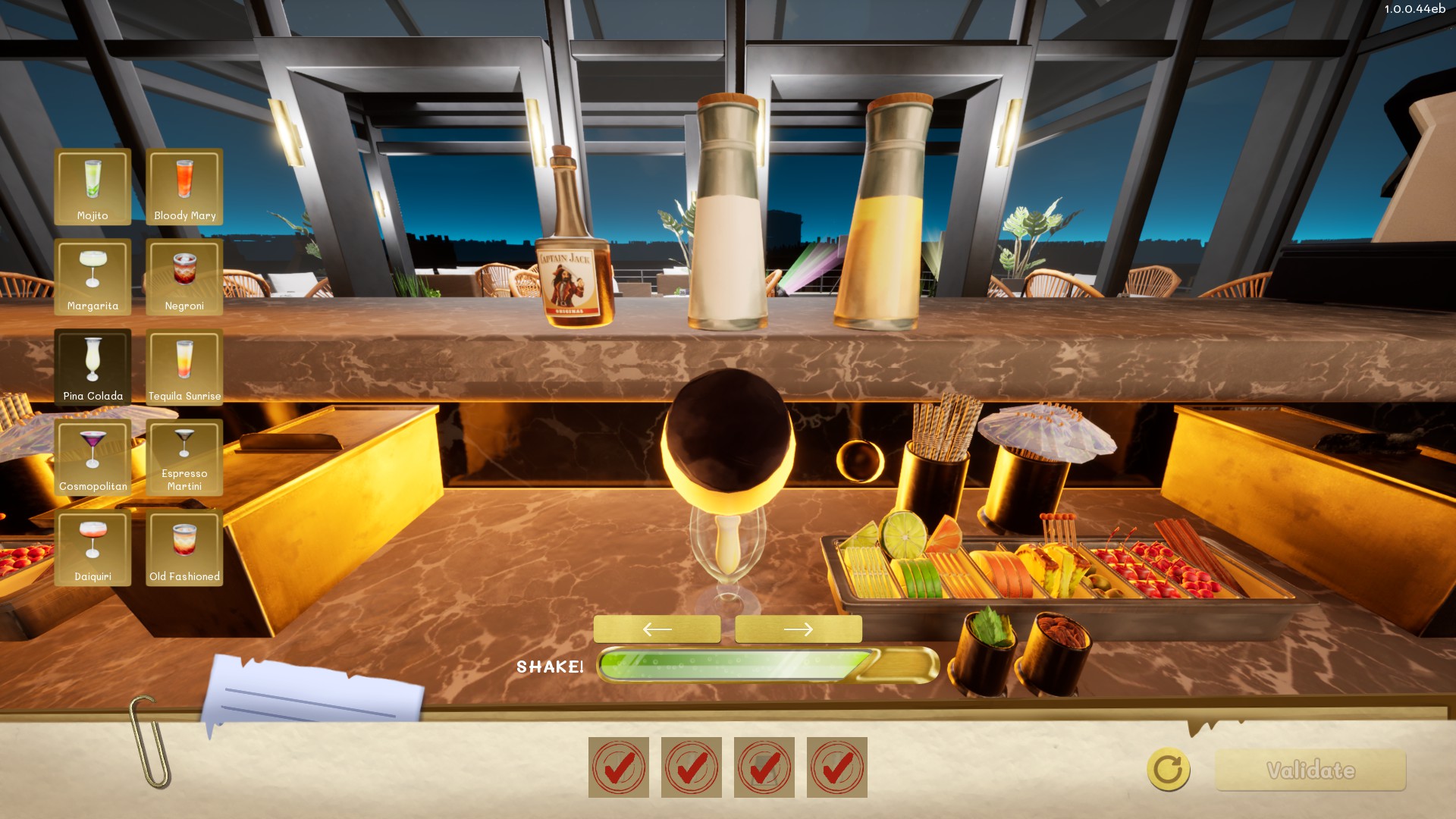
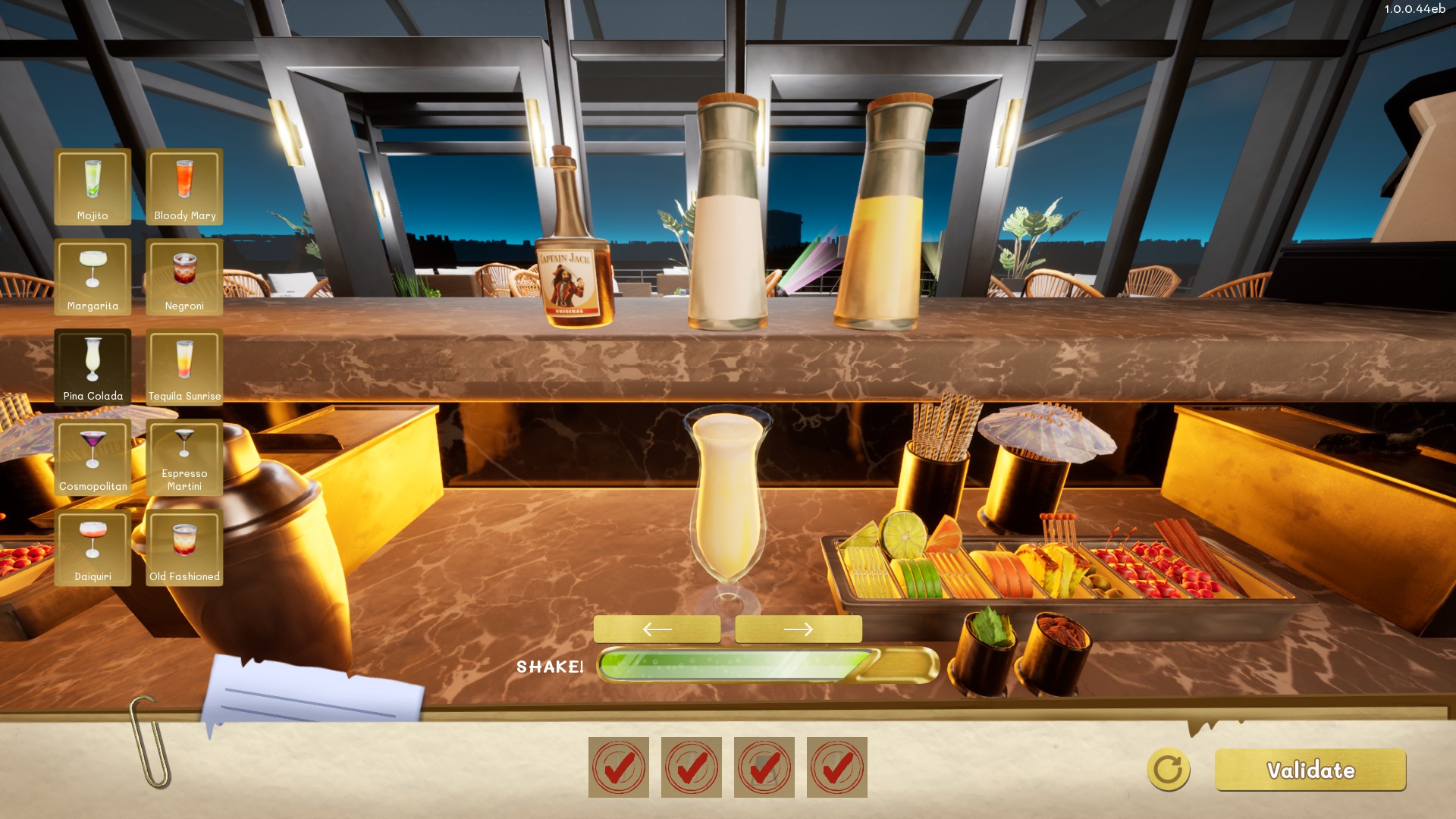
Once you've poured your cocktails, it's time to put some toppings. Adding Toppings