
You can reorganize tables directly in the restaurant to suit your floor plan and the groups you want to accommodate.
Open table management
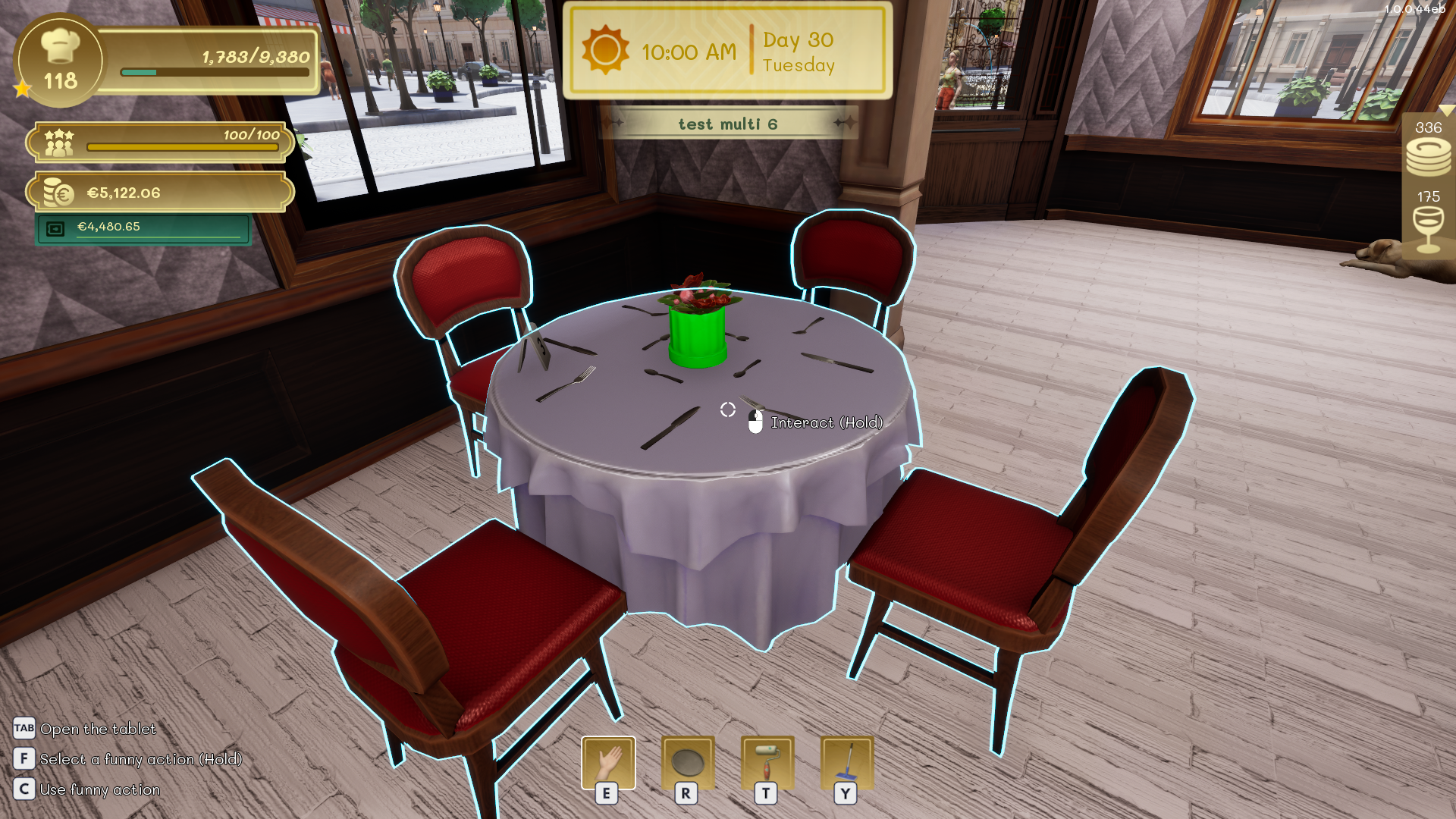
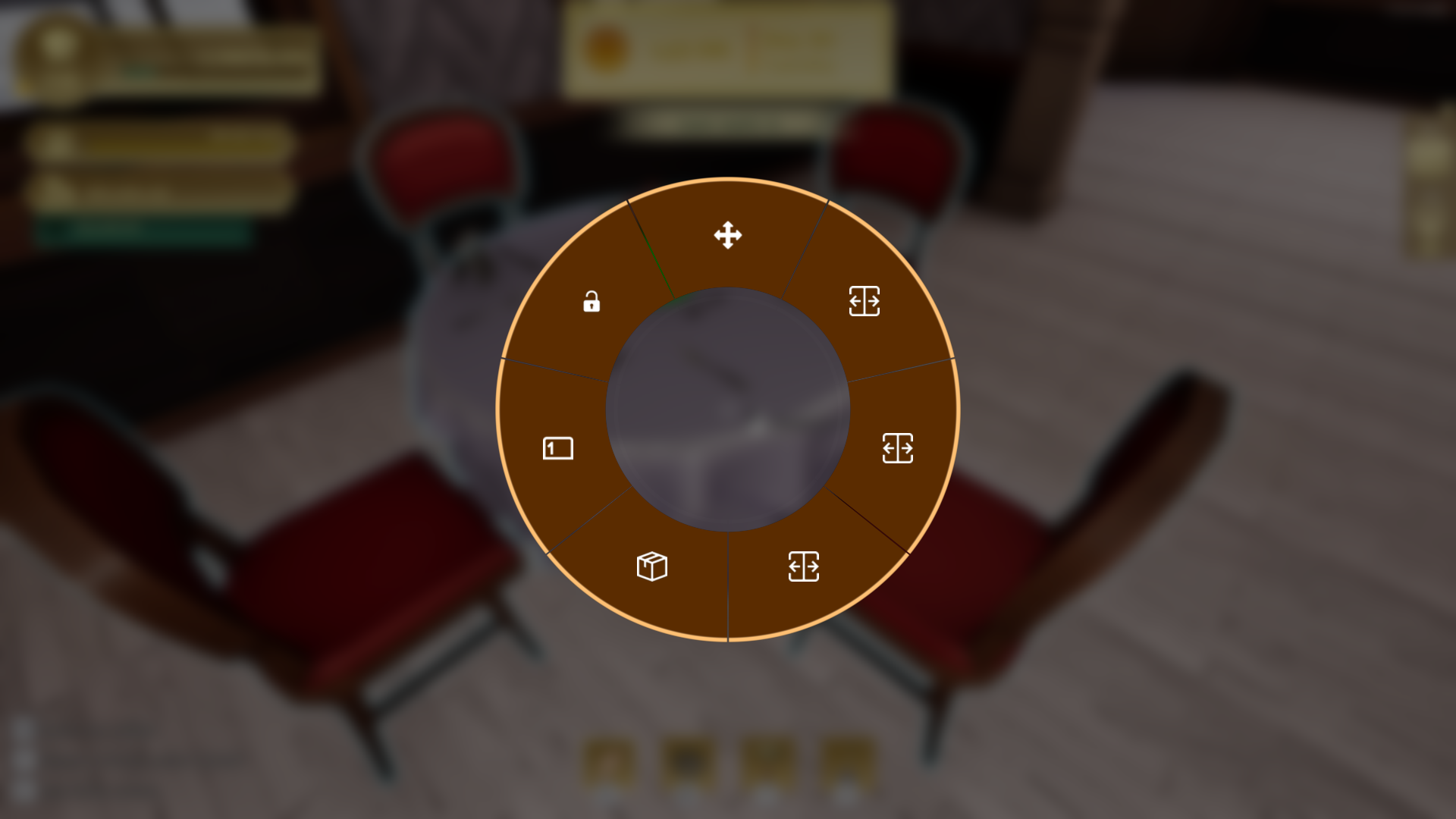
Aim at a table and hold the interaction key shown on screen. The interaction wheel displays the actions currently available for that table.
Available actions
- Move repositions the table and its associated seats.
- Split separates tables that are currently combined.
- Merge joins compatible nearby tables to create a larger setup.
- Change number lets you choose the table number used for orders and on the tablet.
Tip
Use clear, unique table numbers on every floor. This makes tablet orders and employee deliveries easier to follow.