
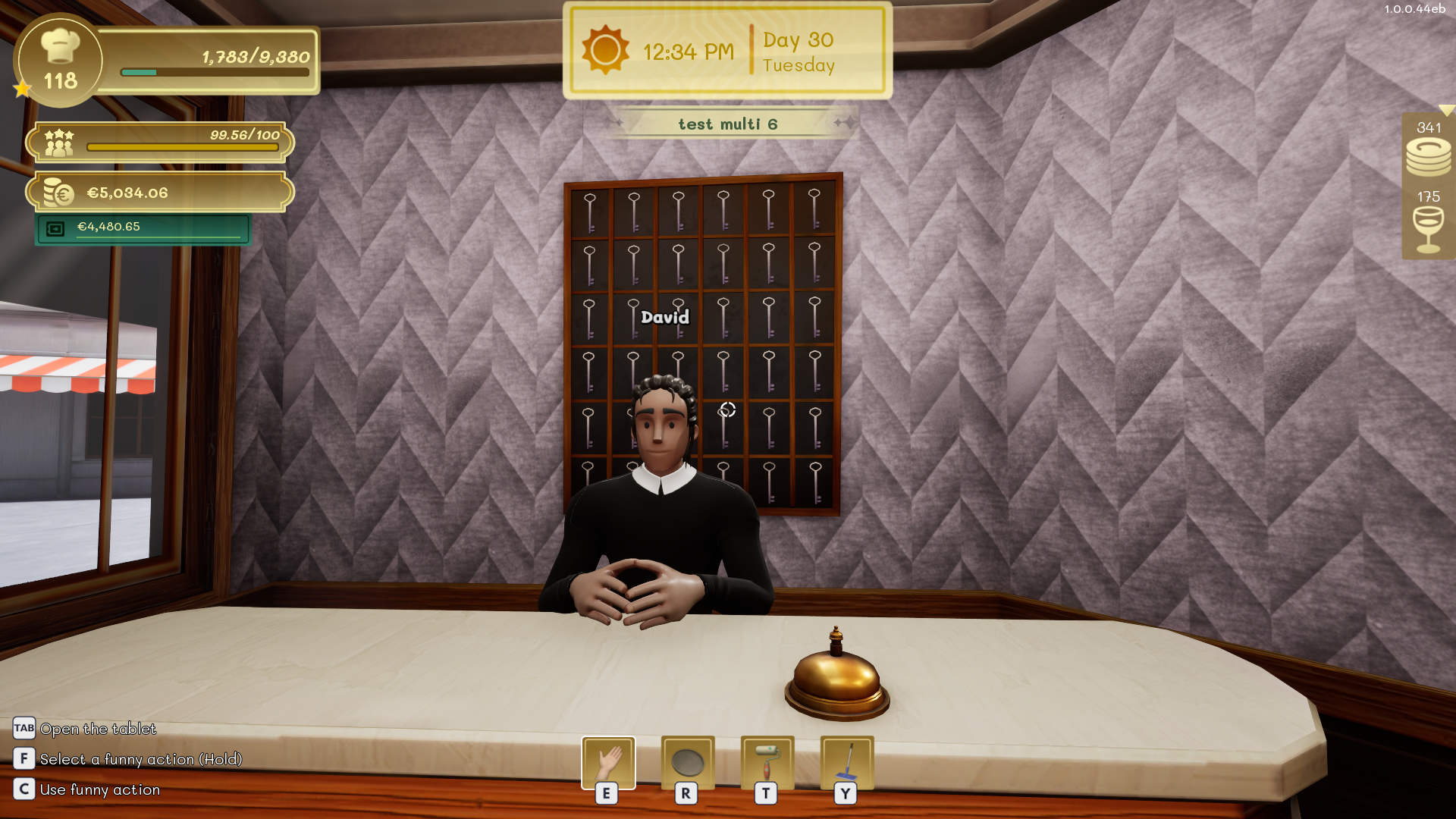
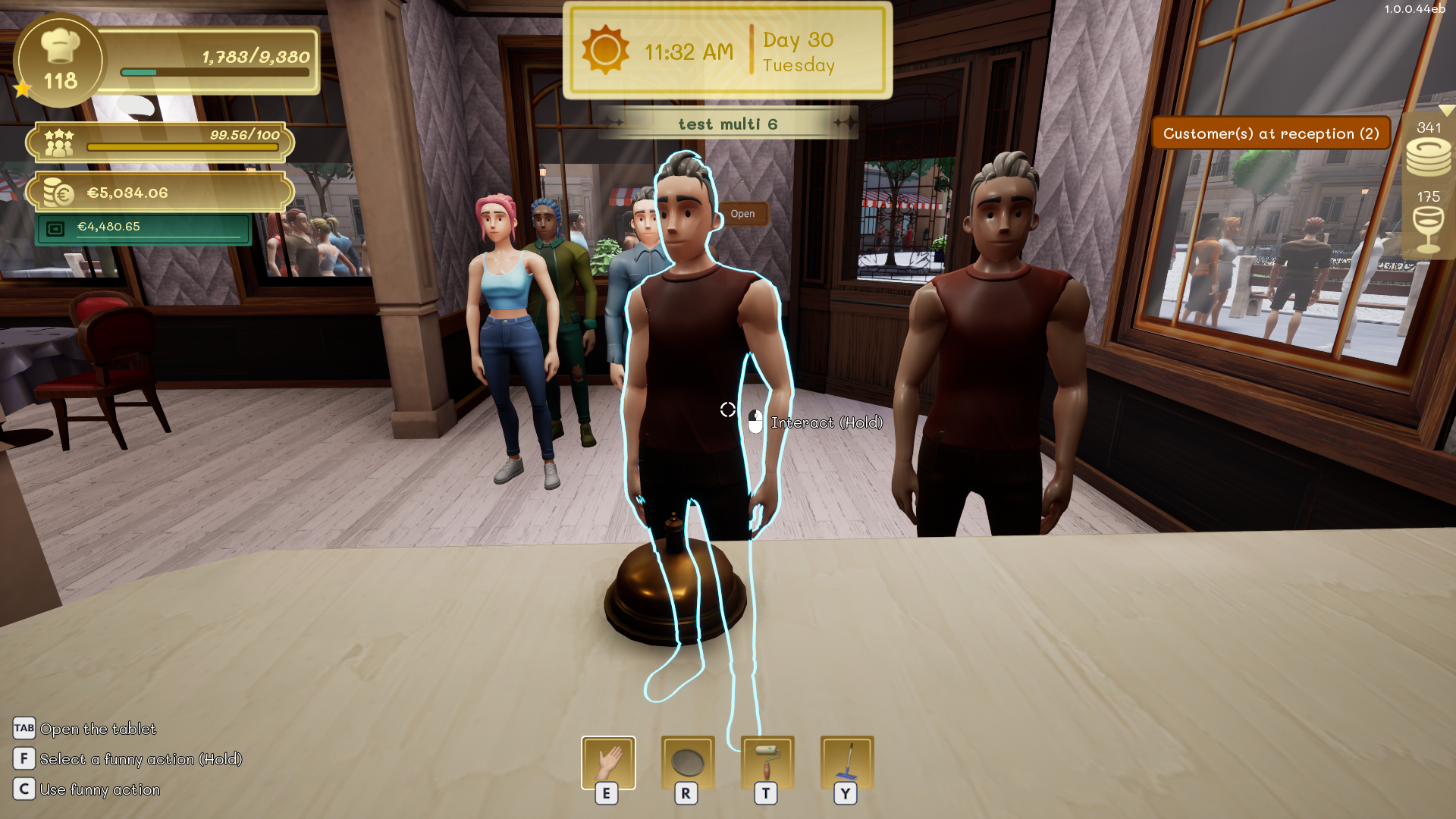
Groups wait at reception until a player or receptionist assigns them a table.
Choose a table
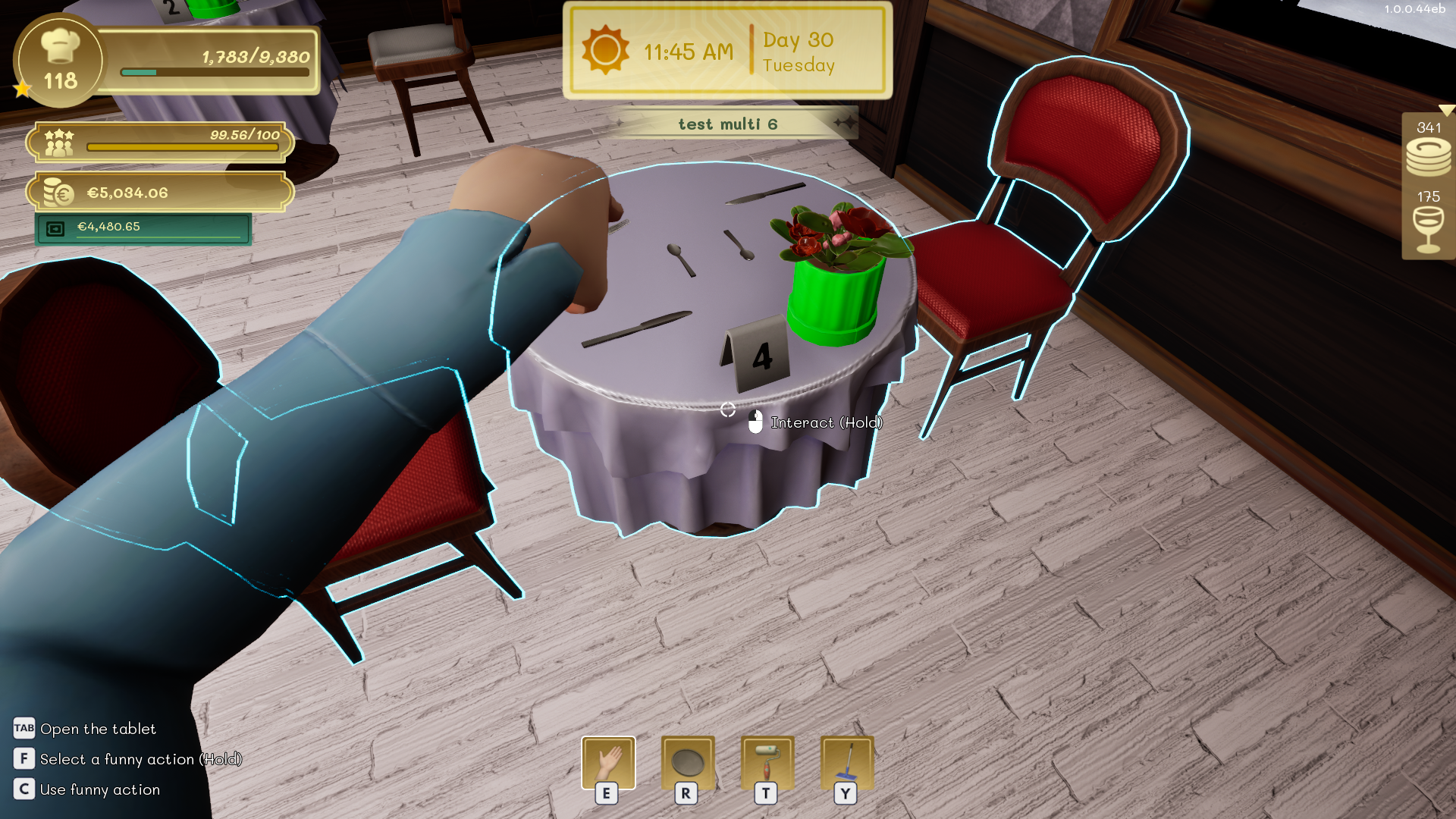
Check the size of the waiting group, then approach a table with enough seats. Use the interaction shown on the table to assign the group to it. The customers will leave reception and walk to their seats.
Refuse a group
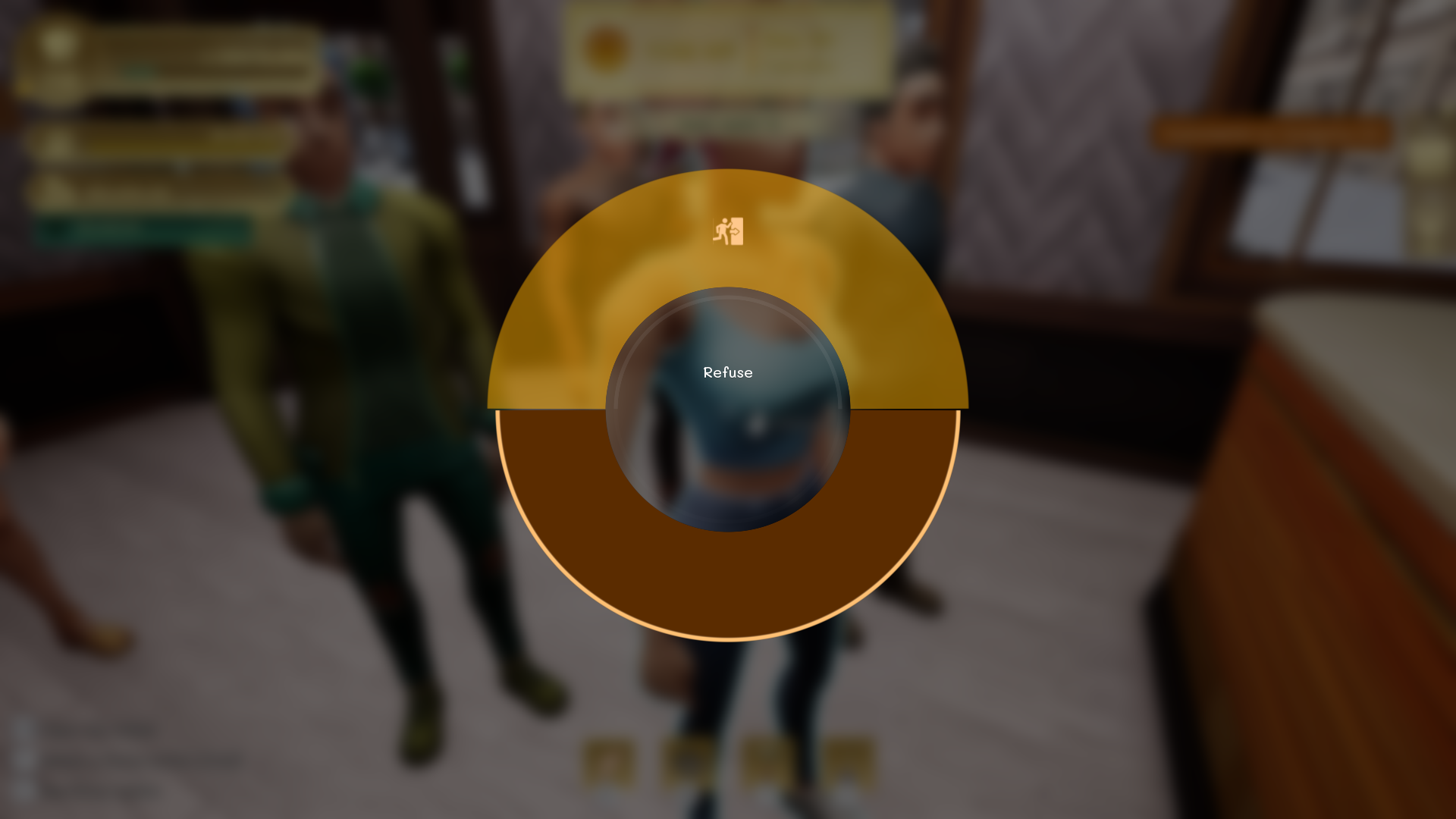
If you cannot or do not want to seat the group, aim at one of its members and hold the interaction shown on screen. Confirm the refusal to make the group leave.
Warning
Refusing a group applies a satisfaction penalty. Use this action only when seating the group would create a larger service problem.
Automate seating
Hire a receptionist to assign groups automatically. You can restrict which floors the receptionist may access from the Employees app.