
Mark a table as reserved for players when you want to keep it available for yourself or another player.
Reserve the table
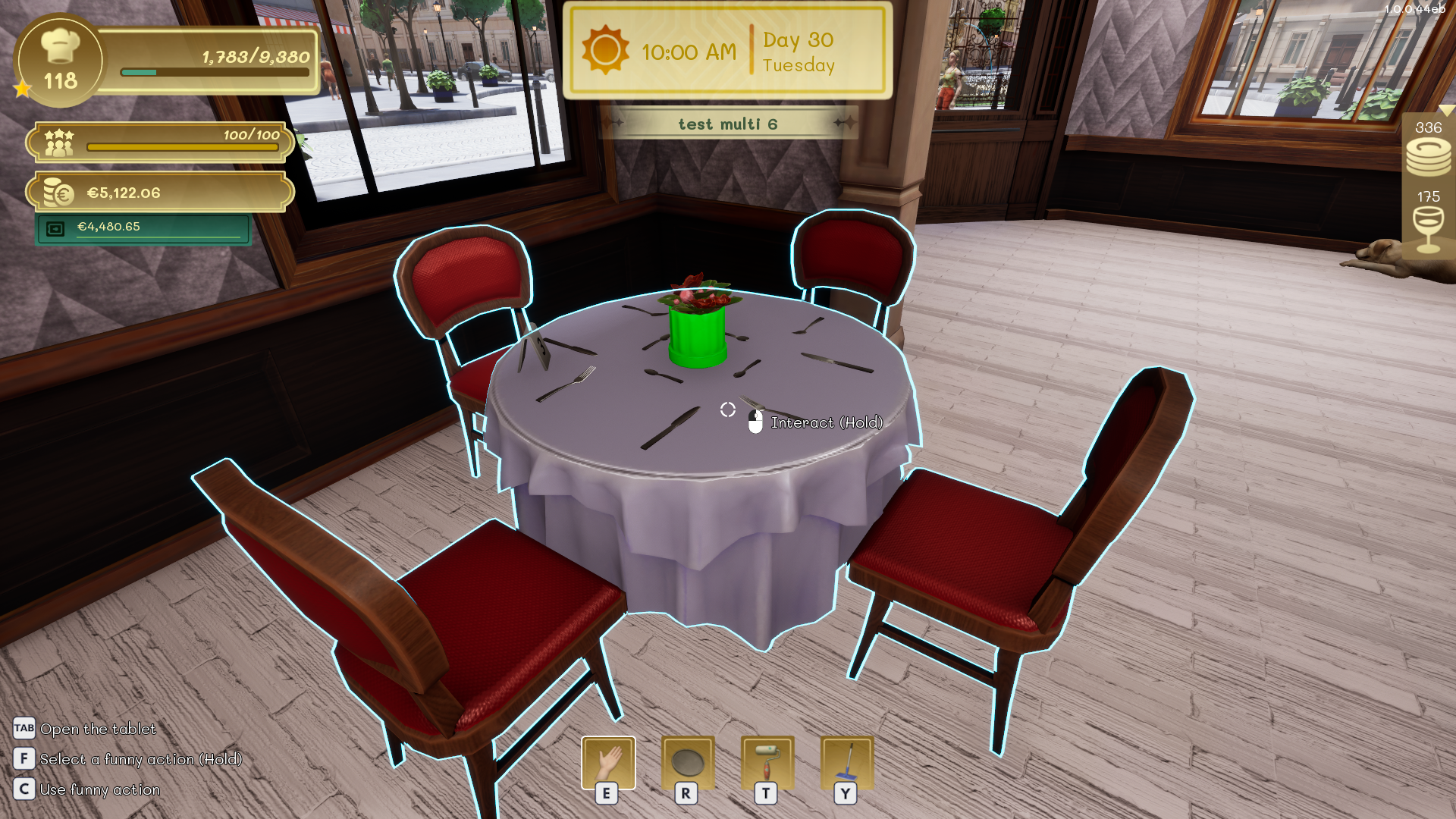
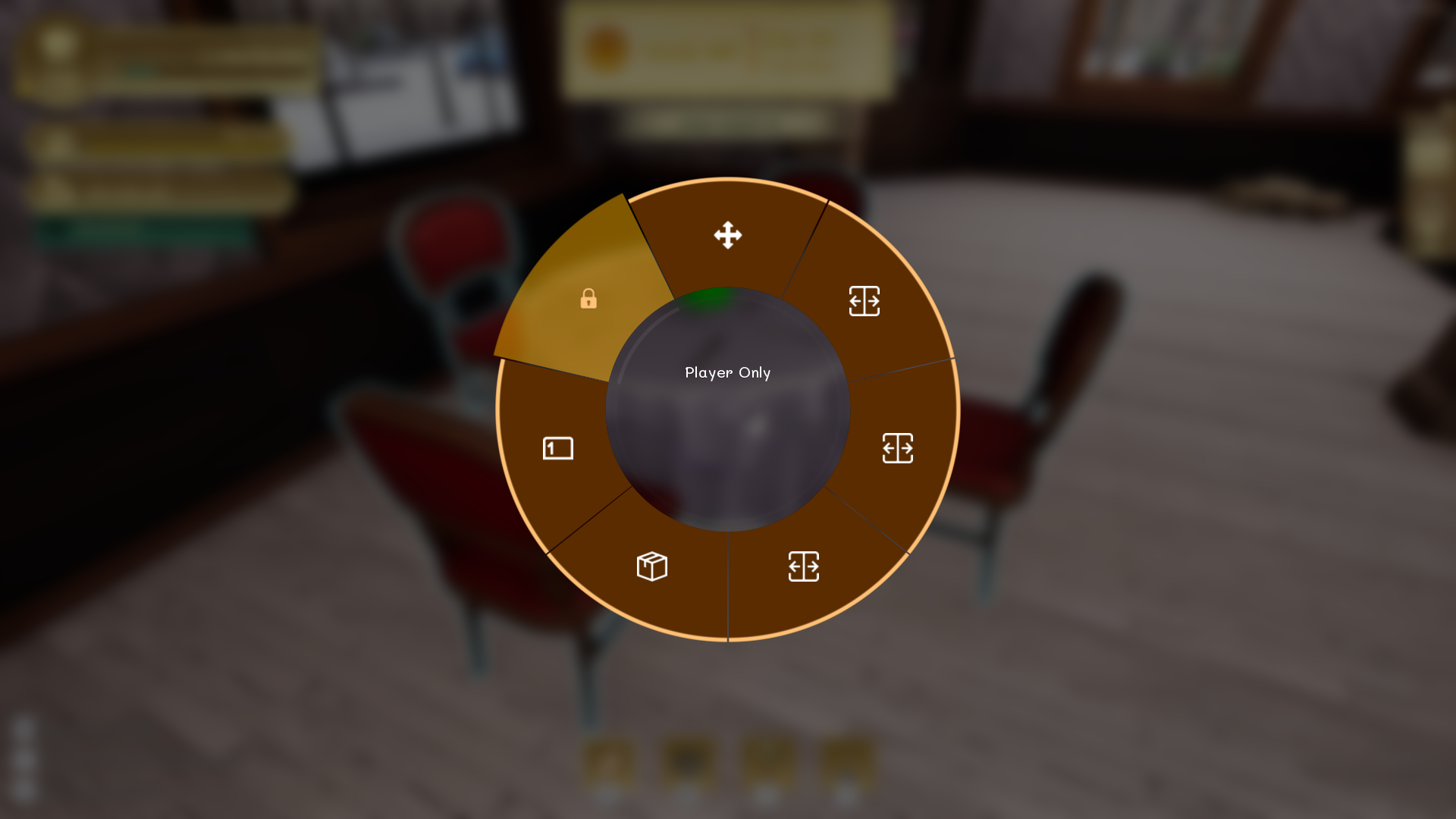
Aim at the table and hold the interaction key shown on screen to open the interaction wheel. Select Player Only. Staff will ignore the table when seating groups.
Identify reserved tables
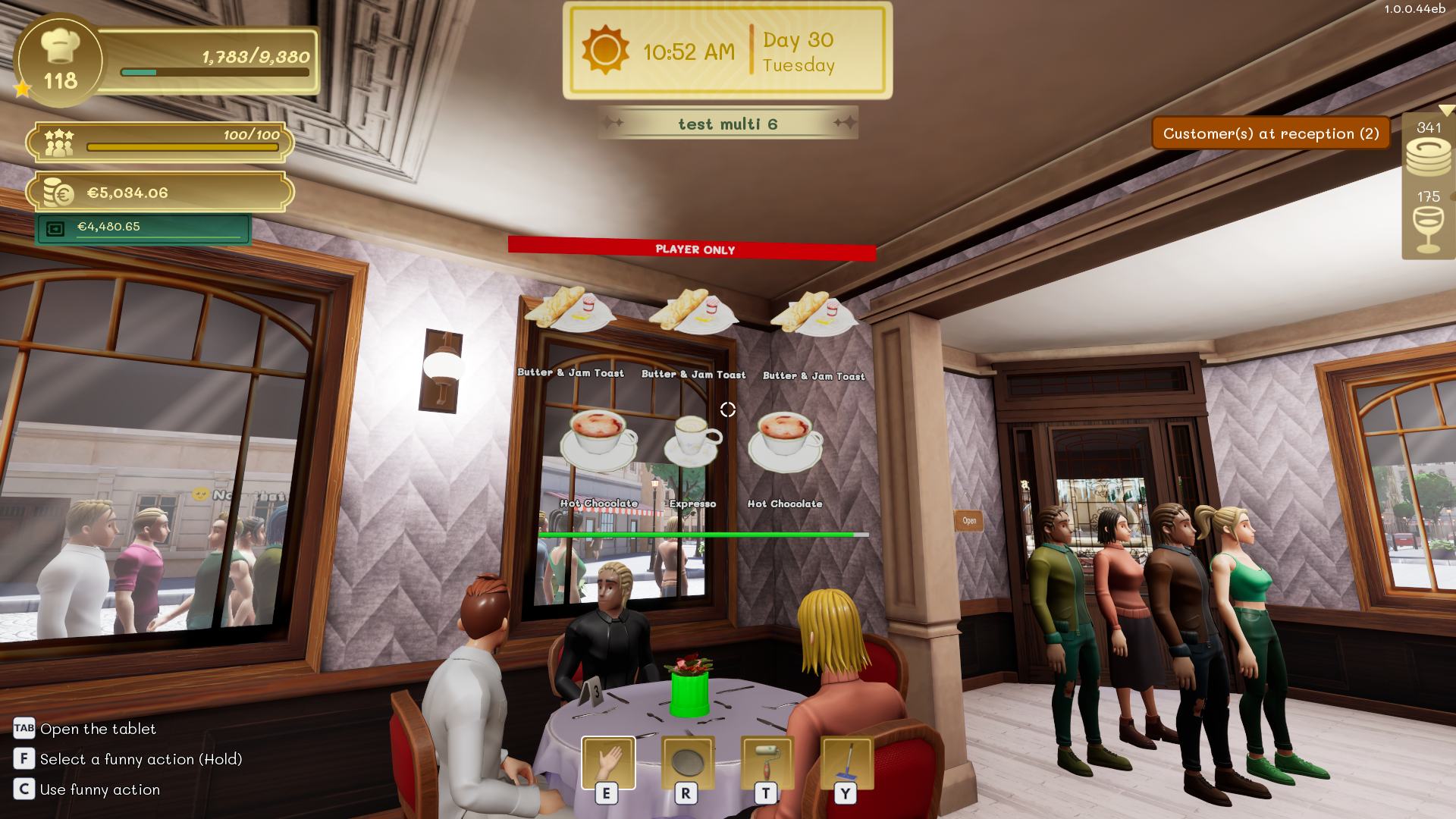
Orders and table information identify reserved tables with a red Player Only banner. This reminds the team that the table must be handled manually.
Return the table to staff
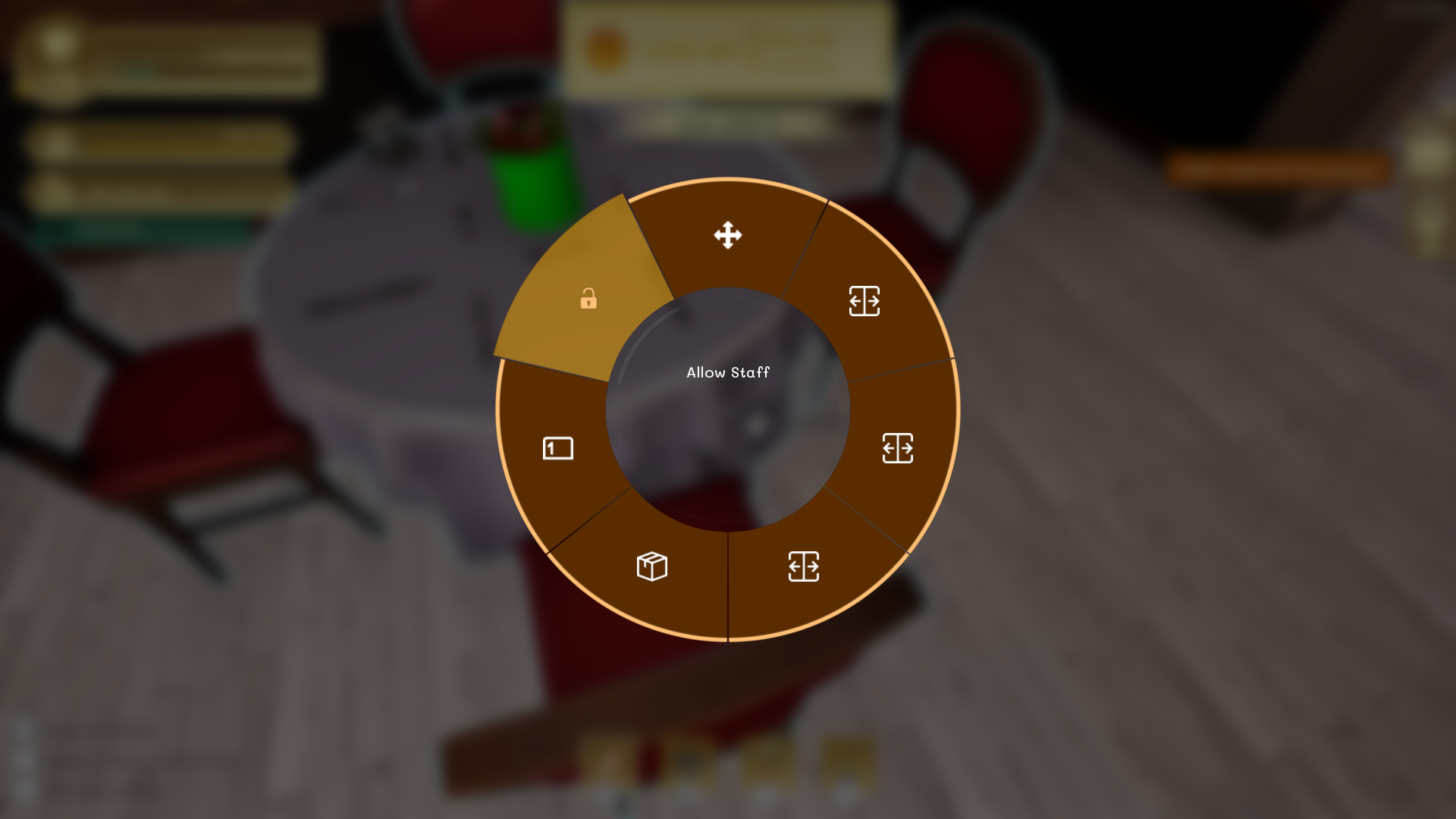
Hold the interaction key on the reserved table again and select Allow Staff. Receptionists and waiters can then use it normally.
Tip
Do not leave too many tables reserved during busy periods, or the receptionist may run out of valid places for incoming groups.